How to Sell Cars on Facebook Marketplace as a Dealer (2026 Guide)
Meta ended dealer partner feeds in 2021 and business-Page car listings in 2023. What a used-car dealer can actually do on Facebook Marketplace in 2026, sourced.
Part of the Listings, photos & merchandising guide: Where to list your cars for leads — and how to be on every site at once
Switching from another DMS? Compare DealerVLO to DealerCenter, Frazer, or Lot Wizard.
Most of what's written about selling cars on Facebook Marketplace as a dealer is out of date — and until this rewrite, that included this post. It described an "approved Inventory Partner" path and a set of posting limits and ban rules that, when I went back and checked them against Meta's own pages, either ended years ago or never came from Meta at all.
So this is the corrected version: what actually changed and when, the two options a small lot really has in 2026, and the "rules" floating around online that Meta doesn't publish. Where Meta says something, I link to Meta.
Corrected September 29, 2026. The earlier version said organic dealer listings run through an approved Inventory Partner with a "Dealership" tag, and quoted per-day limits, 30-day bans and photo rules. The partner program ended in 2021; the limits, ban terms and photo rules aren't in any Meta policy we could find. Details below.
14-day free trial, then $29/mo · Cancel anytime
What changed, and when
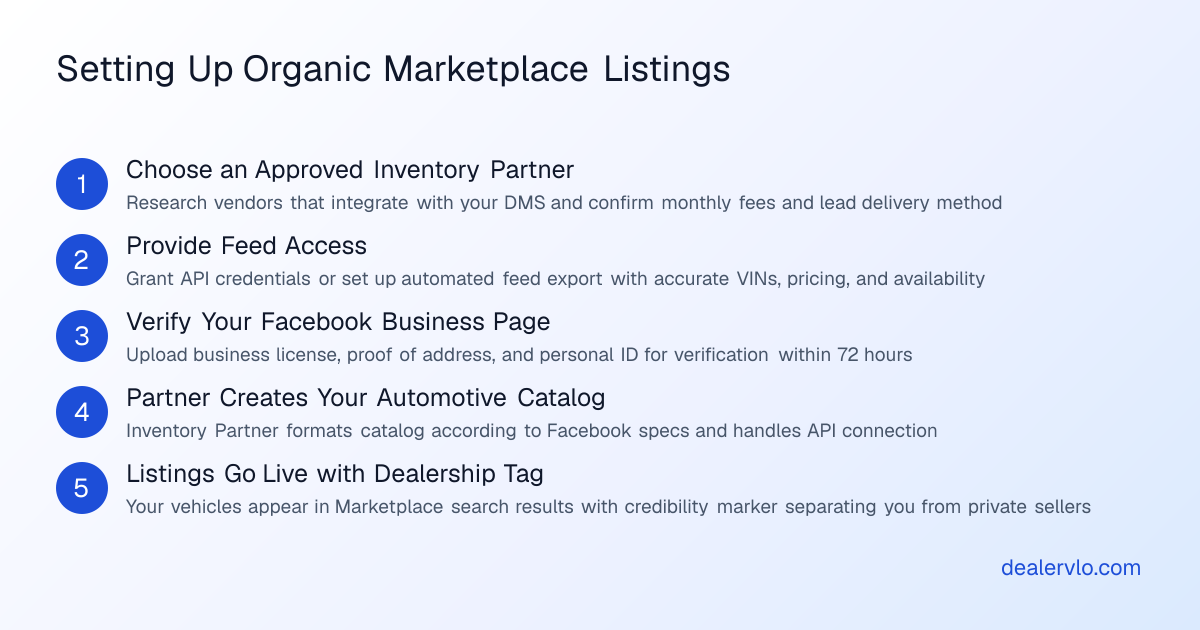
Vehicles came to Marketplace in 2017 with inventory partners feeding dealer stock in. That's the setup a lot of older articles still describe. It didn't last:
- 2021 — Meta stopped showing partner-catalog vehicle listings on Marketplace. Dealers could still list cars one by one from their business Page.
- January 30, 2023 — Meta ended vehicle listings created from business Pages in the US and several other countries, and pulled the Page tools for managing vehicle inventory. Trade press at the time reported that existing business-Page vehicle listings were removed.
- Since then — no relaunch that I can find. Meta's old dealer-inventory help pages now return "page not found" or redirect to that 2023 notice.
The one thing Meta's notice says isn't changing is advertising. That's the first of your two real options.
Your two real options in 2026
Option 1: Automotive inventory ads (paid)
Meta's automotive inventory ads turn a vehicle catalog into ads for each car, across Facebook and Instagram, including placements inside Marketplace. You set up a Vehicles catalog in Meta Commerce Manager and pay for delivery like any other ad; the catalog itself is free to create, the reach is what you're buying. Meta's setup also uses its Pixel on your website so the ads can retarget shoppers who viewed a car.
The catalog is a feed of your inventory in CSV, TSV or XML. Meta requires the basics — a vehicle ID, title, description, the car's page URL, make, model, year, mileage, photos, body style, exterior color, price, new or used, and your dealership address. VIN and trim are optional. Meta validates the catalog when it's uploaded and flags anything missing.
This is where DealerVLO fits: it generates that vehicle catalog feed from your inventory in Meta's vehicle format, at a URL you paste into Commerce Manager as a scheduled feed, so prices, photos and sold cars stay in sync without you touching the catalog. It doesn't buy or manage the ads — that's your Meta ad account and your budget — and the DealerVLO dealer website doesn't install a Meta Pixel, so if retargeting matters to you, factor that in before you budget for these ads.
Option 2: Listing cars one at a time from a personal profile
When Meta ended business-Page vehicle listings, it said individuals could keep listing vehicles from their personal profiles, free. Plenty of small lots use that: someone at the dealership posts each car by hand.
Be clear-eyed about what Meta's own documents say, though. Its Commerce Policies state that Marketplace is "intended for consumer-to-consumer sales," and its Terms say each person gets one account, used "for personal purposes," with no sharing access. The same policies spell out restrictions on businesses selling on Marketplace only for the EEA, the Philippines and India — not the US. So Meta has never published a rule that explicitly allows or bans a US dealer's staff listing lot inventory this way — it's a gray area, and you're relying on Meta's tolerance rather than a program built for dealers. If you post this way, keep every listing accurate, keep each person on their own account, and don't treat it as your only channel.
The mechanics are where the time goes: saving a dozen photos per car, typing every spec into Facebook's form, writing a description. DealerVLO's Post to marketplace kit on each car hands you the photo set as one download, each field Facebook asks for ready to copy, and a written description — our step-by-step posting guide walks the whole flow, including where the rules get fuzzy.
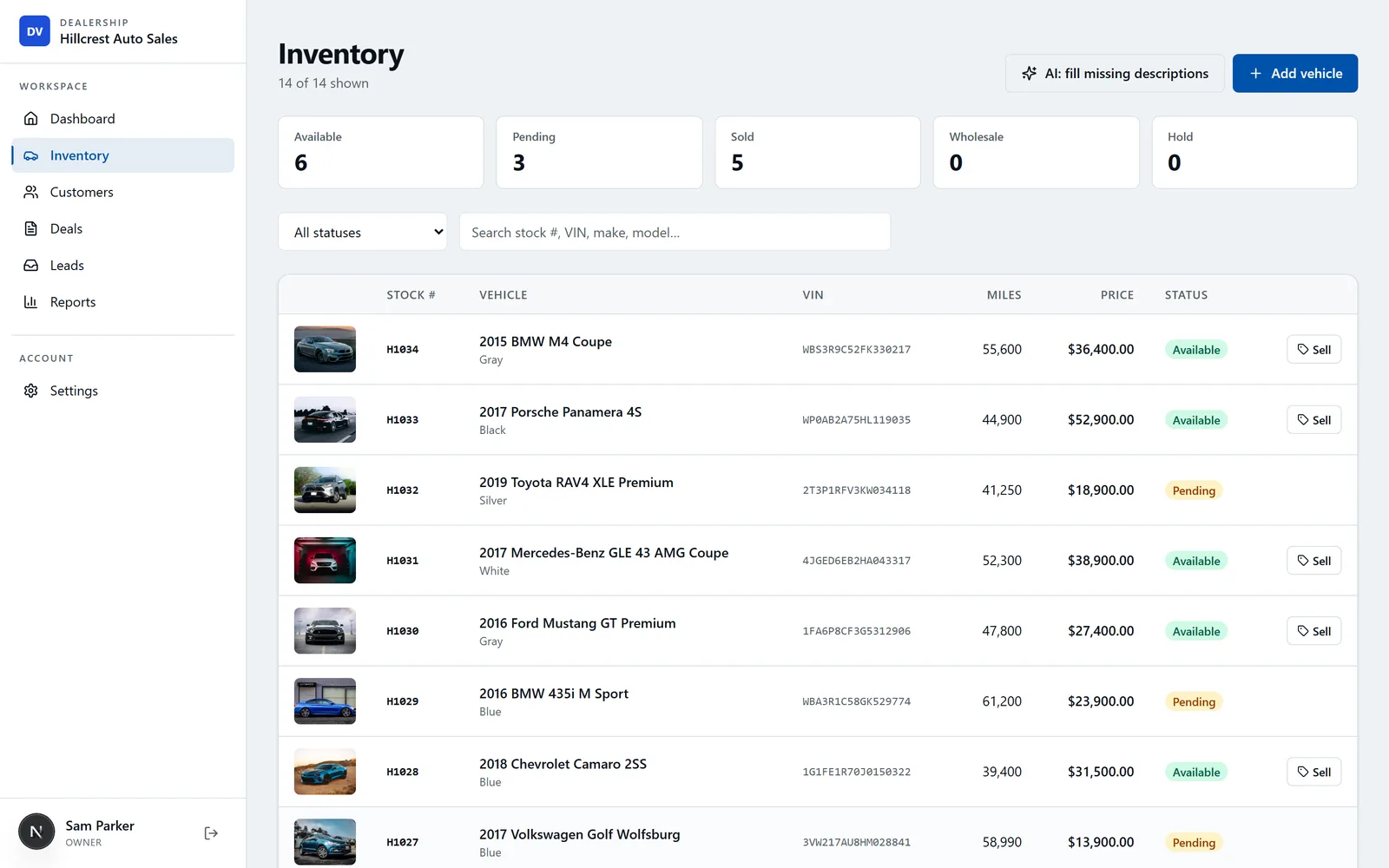
Each car there has a "Post to marketplace" kit: every photo in one download and each field ready to copy into Marketplace by hand.
14-day free trial, then $29/mo · Cancel anytime
The "rules" Meta doesn't publish
You'll see very specific Marketplace "rules" repeated across dealer blogs — several of which this post used to repeat. I traced each one back. None of these appear in Meta's policies or help center; they come from companies selling Marketplace posting tools:
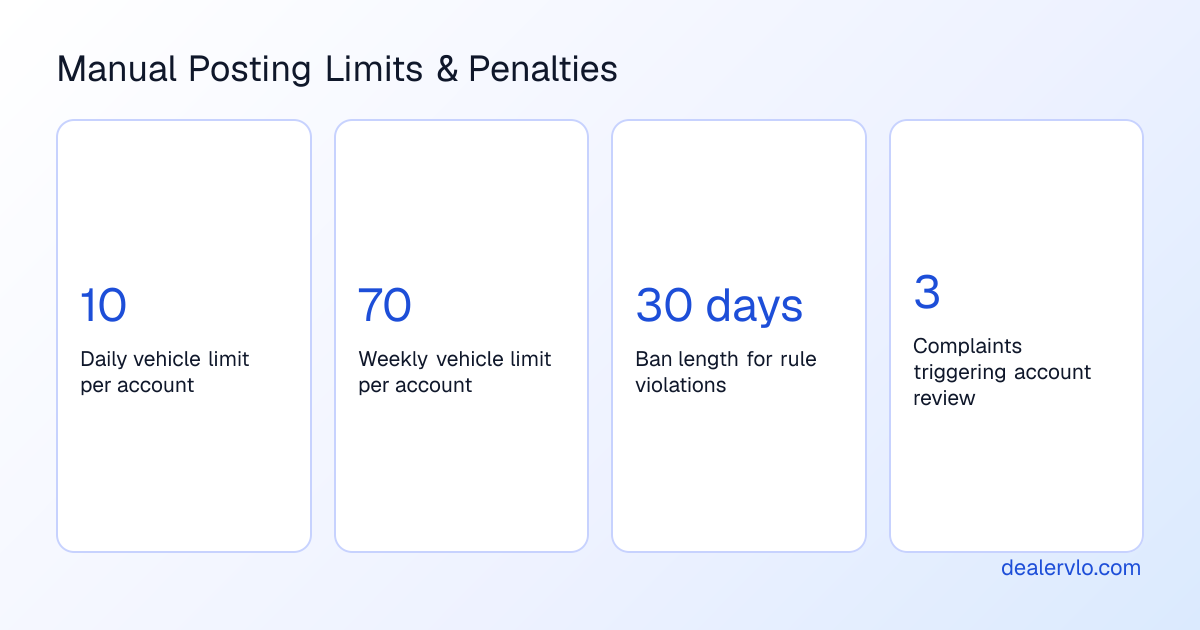
- "10 listings a day, 70 a week, resetting at midnight." Meta doesn't publish a daily or weekly listing cap for US sellers. What it does publish: its spam rules target posting "at very high frequencies," and new or inactive accounts may be restricted.
- "Instant 30-day bans with appeals automatically denied." Meta's help center says the opposite about process: it warns you when your access is at risk, and you can request a review. Repeat violations can bring further action on the account.
- "Three complaints and you're under review." Meta reviews listings when its systems flag them or someone reports them. It doesn't publish a complaint count.
- "No stock photos — Facebook detects them with EXIF data and AI." There's no photo-origin rule in the Commerce Policies. The real rule is copyright: don't use photos you don't have the rights to, like another dealer's.
- "Photos must be taken at your lot" and "sold cars must come down within 24 hours." Neither is in Meta's policies. Mark a listing sold when the sale is done — promptly is just good business.
The honest version is less dramatic: follow the Commerce Policies, don't spam, describe the car accurately, and expect a warning before Meta limits your access.
Marketplace habits that hold up
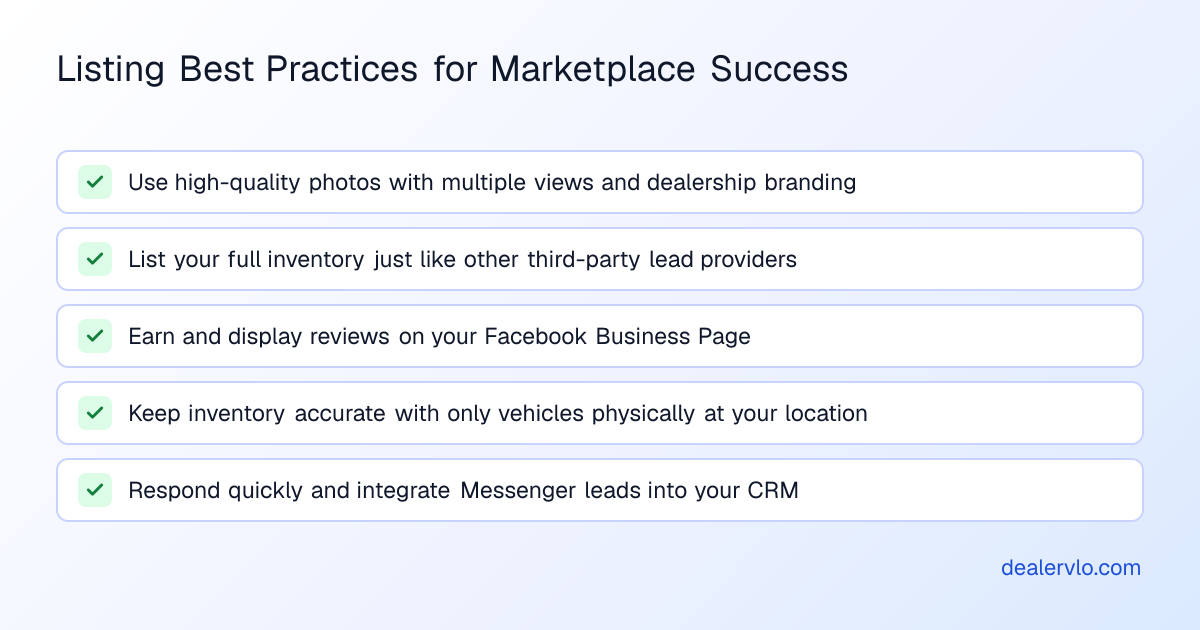
Whichever option you use, the same habits decide whether a listing pulls messages:
Lead with your own photos. A clean front three-quarter shot is the thumbnail that decides whether anyone taps — how to shoot a car so it sells covers the set.
Fill in every field and write a real description. A complete listing reads like a real dealer posted it; a thin one reads like a flip. See what a good listing description actually does.
List only cars you can sell today. A car that's still at auction or already gone turns an interested buyer into an annoyed one, and a misleading listing is exactly what gets reported.
Take it down when it sells. In DealerVLO, marking a car sold drops it off your website and your other listing feeds automatically; the Marketplace post is the one you still remove by hand, because you created it by hand.
Answer fast. Marketplace buyers message several sellers at once. The one who replies first usually gets the appointment — turning that first message into a visit is where the sale starts.
14-day free trial, then $29/mo · Cancel anytime
Frequently asked questions
Can a car dealer still list cars on Facebook Marketplace in 2026?
Not from a business Page — Meta ended vehicle listings created from business Pages on January 30, 2023. What's left is paid automotive inventory ads, which can show in Marketplace placements, and listing cars one at a time from a personal profile. Meta says Marketplace is intended for consumer-to-consumer sales, so a dealer's staff posting lot inventory from personal profiles is a gray area Meta has never explicitly approved.
Do I need a Facebook Marketplace Inventory Partner?
No — that program is gone. Meta stopped showing partner-catalog vehicle listings on Marketplace in 2021, and its old dealer-inventory help pages now redirect to the 2023 notice. If a vendor sells you "organic Marketplace posting" through a partner feed, ask them to show you the current Meta documentation for it.
How many cars can I post on Facebook Marketplace per day?
Meta doesn't publish a daily or weekly cap for US sellers. The "10 a day" and "70 a week" numbers come from posting-tool vendors. Meta's spam rules target posting at very high frequencies, new or inactive accounts may be restricted, and it can limit access for policy violations — usually after a warning.
Can Facebook ban me from Marketplace for posting cars?
It can limit or suspend Marketplace access for listings that break its Commerce Policies or Community Standards. Its help center says it warns you when access is at risk, and you can request a review. There's no published rule of instant 30-day bans with appeals denied.
Can I use stock photos on a Marketplace car listing?
Use photos you took or have the rights to — the Commerce Policies prohibit listings that infringe someone else's copyright. Photos of the actual car are what sells it anyway.
Bottom line
Marketplace is still where a lot of local buyers browse, but the dealer "programs" most articles describe are gone. In 2026 you can pay for automotive inventory ads, or list cars one by one from a personal profile knowing Meta built Marketplace for consumer-to-consumer sales. Don't pay anyone for a partner path that no longer exists, and don't plan around posting limits Meta never published. Keep the listings accurate, answer fast, and put most of your weight on channels you control — where the rest of your cars should be listed and your own website.
DealerVLO handles the parts that are yours to control: one inventory that feeds your website and listing channels, a vehicle catalog feed for Meta's ads, and a posting kit that makes each Marketplace listing a couple of minutes. It's $29/month flat — start the free 14-day trial at dealervlo.com/signup.
14-day free trial, then $29/mo · Cancel anytime
Turn your ad spend into a cost per car sold and a real ROI — and see how many units the spend has to produce just to break even.
Open the Marketing ROI Calculator