When Your Dealer Software Goes Down: An Outage Plan for a Small Lot
A dealer software outage plan for small lots: what stops, what doesn't, a paper fallback kit, and vendor questions before you sign.
Part of the Choosing dealer software guide: The best car dealership software in 2026: 14 DMS options for independent lots, with real prices
Switching from another DMS? Compare DealerVLO to DealerCenter, Frazer, or Lot Wizard, or see what DealerVLO's car dealer management software includes.
A dealer software outage plan isn't paranoia — it's the same thinking as keeping a spare key cut. You hope you never need it, and you only find out whether you built it right at the worst possible time, with a customer standing at your desk ready to buy.
If you haven't thought about it before the day your DMS won't load, it's a scramble: which drawer has the old bill-of-sale pad, does anyone remember what the trade allowance was on that deal from Tuesday, and is the website even showing the right price right now. A dealer software outage plan is nothing more than deciding those answers ahead of time — on a slow afternoon, not during a crisis.
Full disclosure: I run a used-car lot in Tewksbury, Massachusetts, and I built DealerVLO to run it, so I'm a software vendor writing about software going down. Weigh that. Everything below works the same whatever system you use, mine included.
14-day free trial, then $29/mo · Cancel anytime
The 2024 wake-up call: when a major DMS went dark for weeks, not hours
On June 19, 2024, a dealer management system provider used by thousands of franchise dealerships discovered a cyberattack and took its system down. At least five publicly traded dealership groups filed disclosures with the SEC, and one of them passed along the vendor's early expectation that the system would be back "within several days, not weeks" (Cybersecurity Dive). It took a lot longer than that.
One large dealer group's own SEC filings are the most useful proof point here. The outage hit its sales, service, inventory, CRM and accounting functions, but all of its locations stayed open and kept working "through manual and alternative means and processes," with lower productivity (SEC filing, June 2024). Its filing dated July 15, 2024, close to four weeks after the attack was discovered, reported that access to the DMS had been restored, with some other systems still catching up (SEC filing, July 15, 2024). National news coverage described what that looked like at a desk: a sale that typically takes a few hours took about six, because the finance manager processed it by hand and gave the customer a paper receipt. J.D. Power estimated the outage cut June sales by more than 5% compared with June 2023 (CBS News).
That incident hit franchise groups running a specific platform, not a small independent lot. There's no data on how often this happens to dealer software generally — this is one documented case, not a trend line — but it's a real example of what happens when the system holding your deal math and your paperwork goes dark longer than the vendor's own first estimate. If you're shopping for your next DMS, the best car dealership software comparison is worth reading before you sign anything — not just for price, but for exactly the questions this article covers below.
What actually stops when your DMS is unreachable — and what doesn't
When you can't reach your dealer software, some things genuinely stop, and other things genuinely don't. Knowing which is which in advance is most of this plan.
What stops:
- Printing a bill of sale, title application, or any other paperwork straight from the system
- Looking up an existing deal's numbers — trade allowance, payoff, agreed price
- Recording a payment against a buy-here-pay-here account
- Pushing inventory updates (new cars, price changes, sold status) to your website or listing feeds
What doesn't stop:
- Showing cars and talking price with a walk-in
- Writing a deposit receipt by hand to hold a car
- Keeping the cars ready to sell, as long as each one already has its Buyers Guide on it. The FTC's Used Car Rule requires that window sticker on used cars you offer for sale (FTC), and a sticker you printed last week doesn't care whether your software is up today.
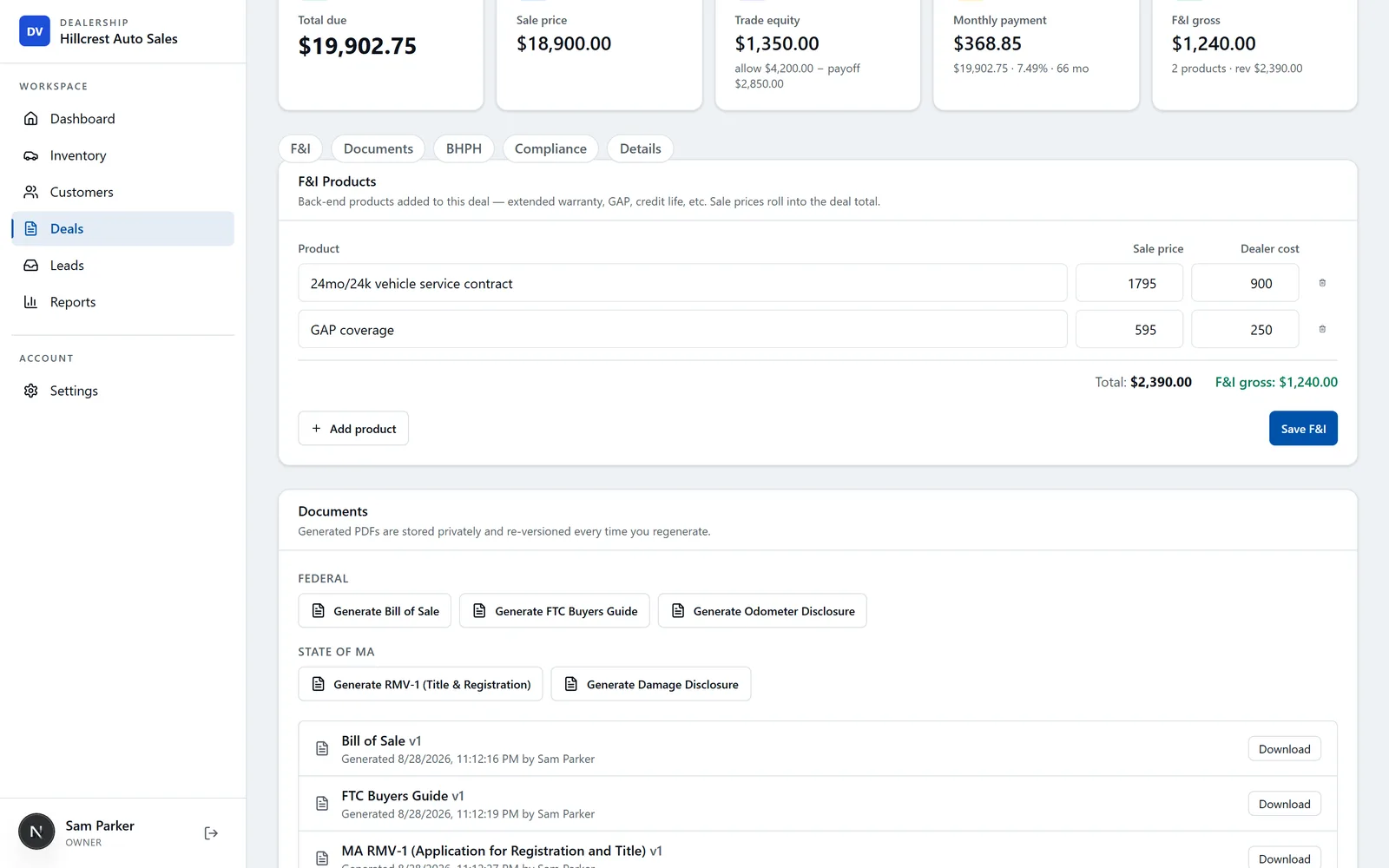
That last point is the cheap one to get right. In DealerVLO, the FTC Buyers Guide prints from a vehicle's page without a deal attached, so you can print one for each car as it hits the lot and have it hanging before the system is ever an issue. If I could only do one thing on this list ahead of time, it's this one: it's the paperwork every car on the lot needs before anyone buys it, and it's the easiest to have done already.
Build a paper fallback kit before you need it
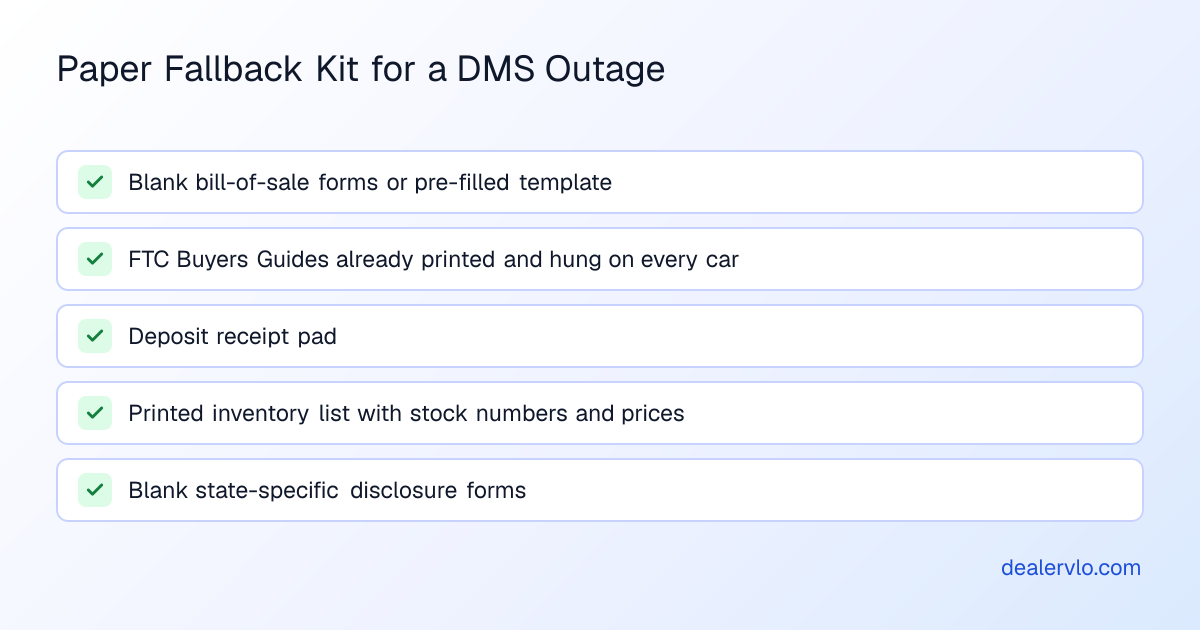
A small lot's outage plan fits in one drawer. The idea is that someone could sell a car with the DMS completely dark, using only what's in that drawer:
- A pad of blank bill-of-sale forms, or at minimum a template with your dealership info pre-filled
- FTC Buyers Guides already printed and hanging on every car — not something you print "if needed," something that's already done
- A deposit receipt pad, so a walk-in can put money down and hold a car while the system is down
- A printed inventory list with stock numbers, prices, and VINs, updated weekly so it's never more than a few days stale
- A blank damage disclosure or state-specific form if your state requires one at point of sale
None of this is exotic. It's the same stack of paper every lot used before everything moved to software, kept current enough that pulling it out isn't a disaster in itself.
Keep your own copy of your data, on a schedule
The single best insurance against a bad outage isn't anything your vendor promises — it's whether you can get your own numbers out whenever you want, without filing a support ticket and waiting. A dealer software outage plan should include a standing habit, not a one-time setup.
In DealerVLO, there are three exports worth pulling on a regular schedule — say, every Friday before you close up:
- The Inventory page's Export button, which downloads every car — stock number, VIN, year, make, model, trim, color, mileage, status, acquisition cost, recon cost, and pricing
- The Customers page's Export button, which downloads every customer's name, email, phone, address, and deal count
- The Reports page's "Export sales & tax (CSV)" button, which gives you one row per deal for the period — sale price, trade allowance, tax, and fees
There's also a per-customer "Download data" button that pulls everything on file about one buyer — profile, deal terms, trade-in, BHPH payment history, and the list of generated documents — as a single JSON file, which is handy if you ever need to hand a specific customer's record to someone outside the system. None of these exports need a ticket or a wait; they're buttons you click. Because DealerVLO runs in a browser rather than installed on one office PC, you (or anyone with login access) can pull these exports from a laptop at home if the lot's own internet or power is the problem, not the software itself.
14-day free trial, then $29/mo · Cancel anytime
A weekly export means that in the worst case, you're never more than seven days out of date. Compare that to a dealer who's never exported anything and finds out, mid-outage, that the only copy of two weeks of deal history lives inside a system they can't reach.
The first hour of an outage: what to actually do
When you first realize the system's down — whether it's your DMS, your internet, or a vendor-side incident like the one above — the first hour sets the tone for the rest of the outage.
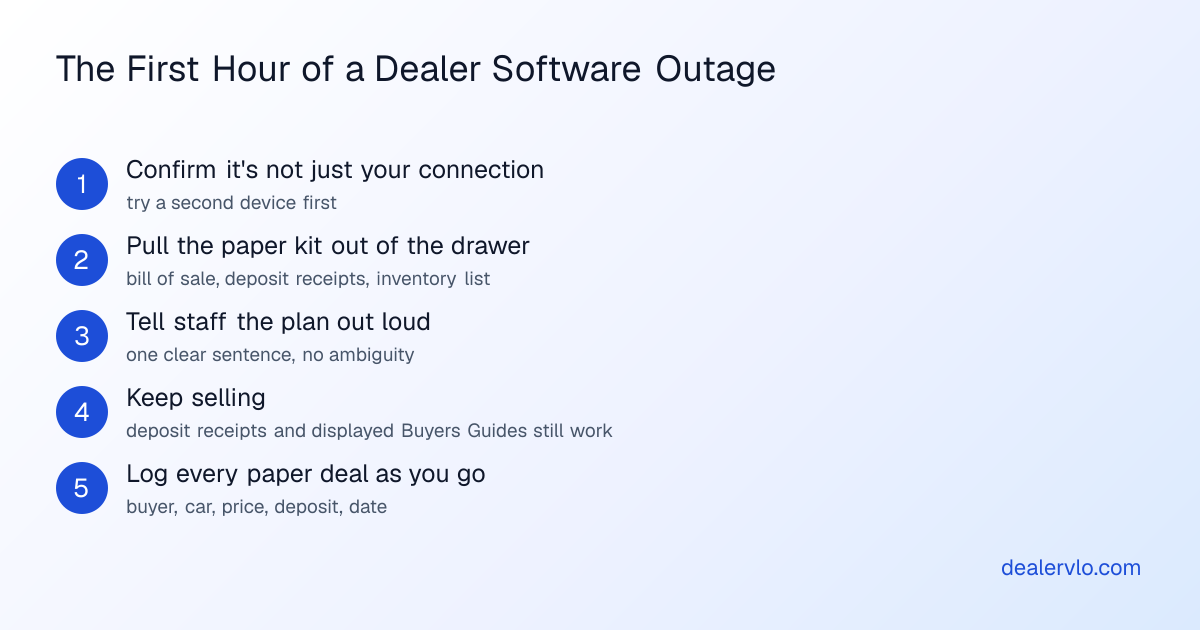
- Confirm it's not just you. Check your internet connection and try a second device before assuming it's vendor-side.
- Pull the paper kit out of the drawer. Bill of sale template, deposit receipts, printed inventory list — get them on the desk, not in a filing cabinet across the room.
- Tell your staff the plan out loud. One sentence: "We're writing deals on paper until this is back — here's the stack."
- Keep selling. Write deposit receipts, show cars, and quote prices off the printed inventory list. Cars that already have their Buyers Guide on them are ready to sell.
- Log every paper deal as you go — buyer name, car, price, deposit amount, date — on a single sheet, so re-entry later doesn't depend on memory.
Re-entering paper deals once the system is back
Once your DMS is reachable again, the job is getting every paper deal back into the system accurately, in the order they happened. Work from the log sheet you kept during the outage, not from memory — a deal written up at the end of a long day is exactly the kind of thing that gets the trade payoff or the doc fee wrong if you're reconstructing it later.
Enter deals in the order they closed, so stock numbers and days-in-inventory stay sensible. Any trade-in with negative equity, a lienholder payoff, or a BHPH schedule needs to be rebuilt in the system carefully — these are the fields that are easy to mistype under pressure. Once a deal is back in DealerVLO, it generates the paperwork a buyer may not have gotten a full copy of on paper — the bill of sale, the FTC Buyers Guide, and your state's title and registration documents — so if the buyer wants a cleaner version than what they got on the hand-written forms, you have it.
If you had to run several days on paper, this is also when you'll want the total cost of switching dealer software article handy — not because an outage means you should switch vendors, but because the same re-entry discipline (go line by line, don't batch-guess) applies whether you're recovering from an outage or migrating off a system entirely.
Build the whole deal — price, tax on the right base, doc, title, minus trade and down — into the out-the-door number and the monthly payment.
Open the Out-the-Door Price CalculatorQuestions to ask any vendor before you sign — this is the real outage plan
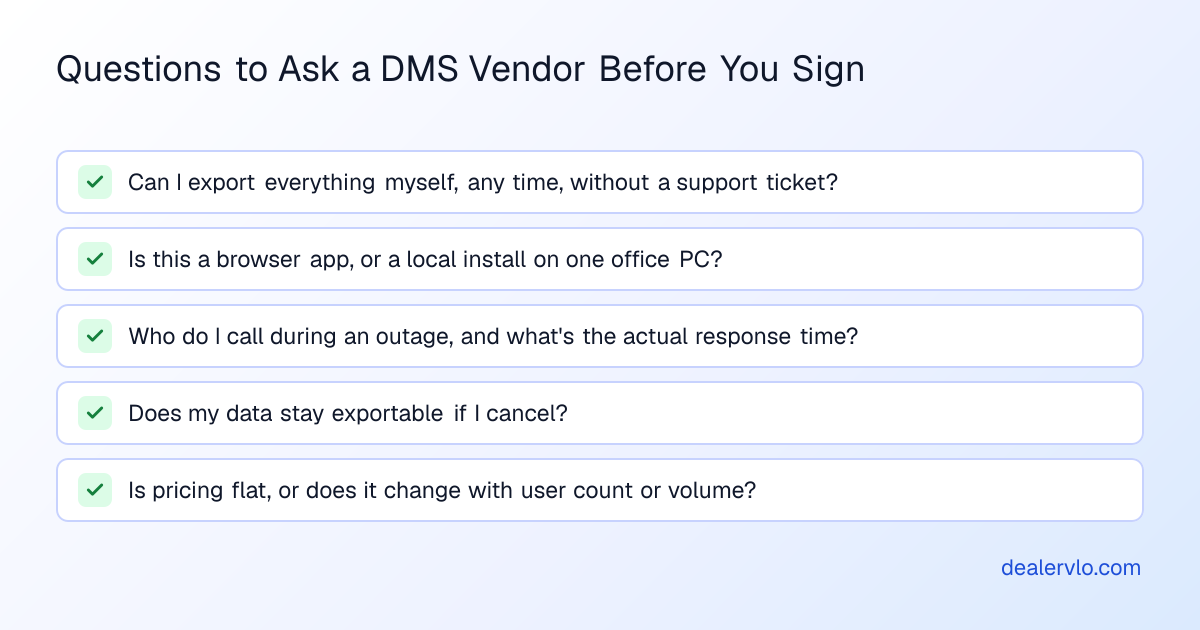
The best outage plan is picking a system where an outage can't trap your data or your business in the first place. Before signing with any dealer software, ask:
- Can I export everything myself, any time, without opening a support ticket? Not "can your support team send me a file eventually" — can you click a button right now and get inventory, customers, and your sales report as CSV.
- Is this a browser app, or a local install on one office PC? A system tied to one computer in one building means an outage, a dead PC, or even a bad storm can take your whole operation offline. A browser-based system can be reached from any device with internet.
- Who do I call during an outage, and what's the actual response? Get this in writing or at least in an email thread — not a verbal promise from a salesperson.
- What happens to my data if I cancel? Ask specifically whether export access continues after you've canceled, or whether it cuts off immediately.
- Is pricing flat, or does it change with volume or user count? This matters less for outages directly, but it tells you a lot about how the vendor treats the contract overall.
The DMS contract red flags guide goes deeper on contract terms worth catching before you sign, and the used car dealer software overview is a reasonable starting point if you're comparing systems from scratch rather than just stress-testing your current one.
14-day free trial, then $29/mo · Cancel anytime
It's also worth a quick conversation with your insurance agent about whether your policy addresses a cyber incident or system outage (FTC).
Frequently asked questions
What do I do if my DMS is down and a customer wants to buy right now?
Write up a deposit receipt or a paper bill of sale from your fallback kit, confirm the car's price off your printed inventory list, and make sure the FTC Buyers Guide is already displayed on the vehicle — all three of those work without any software being online. Re-enter the deal into your DMS once it's back up, using your written notes rather than memory.
Can I keep selling cars while my software is down?
Usually, yes, on paper. The large dealer group above kept every location open by working through manual processes. Have the Buyers Guide already on each car, write the deal on a paper bill of sale, and log it so it goes into the system once it's back. Check with your state for anything it requires you to file or hand the buyer at the sale.
How often should I export my dealer software data as backup?
A weekly export of inventory, customers, and your sales-and-tax report is a reasonable habit for a small lot — it means you're never more than a few days out of date if something goes wrong. DealerVLO lets you pull these as CSV files any time without contacting support; ask any other vendor whether theirs does.
How long can a dealer software outage actually last?
It varies by incident. In the clearest documented case, the 2024 attack on a large franchise DMS provider, one dealer group's SEC filings show close to four weeks between the attack being discovered (June 19) and its DMS access being restored (July 15). That's long enough that an outage plan built around "a few hours" isn't realistic — plan for the possibility of days, not just an afternoon.
What should I ask a dealer software vendor about outages before I sign?
Ask whether you can export all your data yourself at any time without a support ticket, whether the system is browser-based or tied to one office computer, and exactly who you call during an outage and what response to expect. A vendor's answers to those three questions tell you more about outage risk than any uptime promise would.
Does switching to browser-based dealer software prevent outages?
No single setup eliminates outage risk entirely — any system can go down. What a browser-based system changes is that your access isn't tied to one physical computer, so you can reach your data from a different device or location if the problem is local (a dead PC, a power outage) rather than vendor-wide.
Bottom line
An outage plan for a small lot isn't complicated: know what actually stops versus what doesn't, keep a paper kit current, export your own data on a schedule, and ask the right questions before you sign with any vendor. None of that requires predicting the next incident — it just means a bad week doesn't become a bad month. I won't promise you DealerVLO is outage-proof, because no one honestly can, but it does give you a browser-based setup and free data export you control, any time, so you're never locked out of your own numbers.
14-day free trial, then $29/mo · Cancel anytime