Dealer Software Setup Checklist: Before Your First Sale at a New Lot
A dealer software setup checklist for a new lot's first retail sale — identity, doc fee, VIN entry, Buyers Guide, and a test deal.
Part of the Choosing dealer software guide: The best car dealership software in 2026: 14 DMS options for independent lots, with real prices
Switching from another DMS? Compare DealerVLO to DealerCenter, Frazer, or Lot Wizard, or see what DealerVLO's car dealer management software includes.
You got the license, found the lot, and now there's a car (or three) sitting out front with temp tags. Before anyone test-drives one of them, there's a short list of things to set up in your dealer software — not the whole system, just the pieces that touch the first deal. Get this part wrong and your first bill of sale has the wrong dealer name on it, or there's no Buyers Guide on the windshield when a shopper walks up. Get it right and the first sale prints clean, the same way the hundredth one will.
This is not a startup-cost article — if you're still figuring out how much cash you need to open, that's covered elsewhere. This is the week-before-the-first-sale checklist: what to configure, in order, so the paperwork is correct from deal one.
Full disclosure: I run a used-car lot in Tewksbury, Massachusetts, and I built DealerVLO to run it, so the screens I describe are mine. The order works the same in any dealer software.
14-day free trial, then $29/mo · Cancel anytime
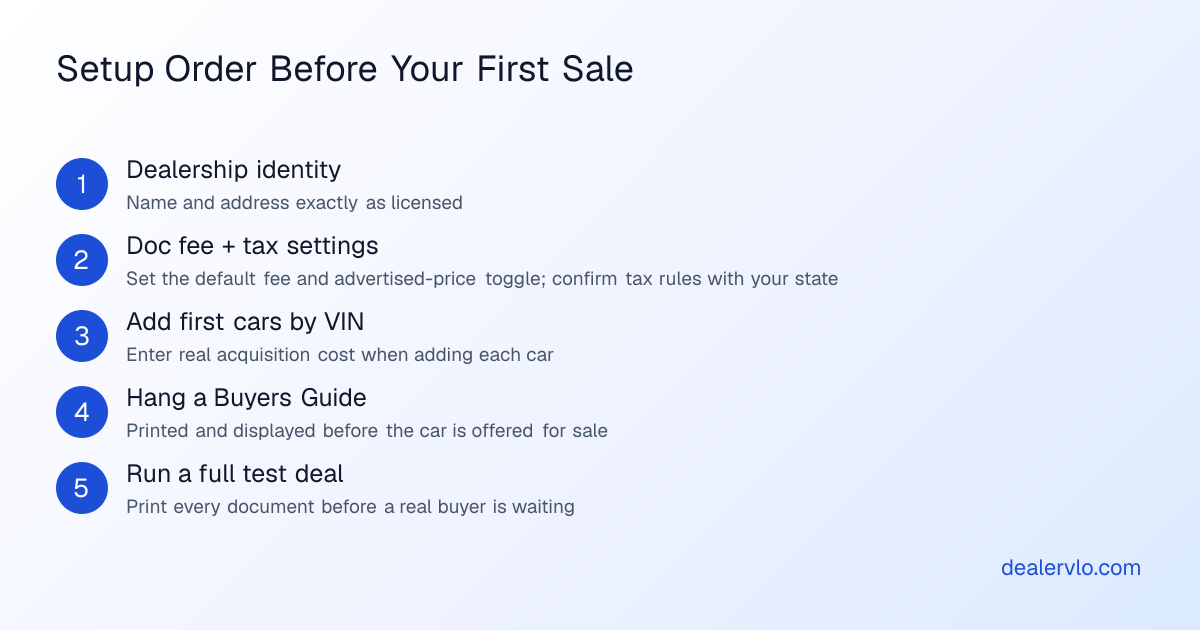
Step 1: Get your dealership identity exactly right
Before you touch inventory, go find the settings screen where your dealership's name and address live and make them match your actual dealer paperwork exactly — not a shortened version of the name, not your house address if the license says the lot. Your federal and state forms carry that identity, and a wrong detail here is a wrong detail on everything you print until you catch it.
This is tedious but it's five minutes once. DealerVLO's getting-started guide walks through where this lives if you're setting up for the first time. Treat it as step zero — nothing after this matters if your dealership's identity on your paperwork doesn't match your license.
Step 2: Set your default doc fee once
Decide your doc fee and enter it in Settings. DealerVLO pre-fills that number into every new deal automatically, so you're not retyping it (or forgetting it) on sale number one. You'll also see a setting for whether your advertised prices already include that fee — turn it on if your website price is the full price, leave it off if your price excludes tax, title, registration, and the doc fee. That toggle changes the wording on your printed window sticker, so set it to match how you actually advertise before your first car goes live on the site.
What the fee amount should be, and whether there's a cap, is a state question — your state's rule varies and this article isn't the place to guess at a number. Check with your state's dealer licensing authority before you lock it in.
Step 3: Tax settings — set it up, don't guess at the number
Your software needs a tax setting to calculate the deal correctly, but what rate applies and how it's calculated is entirely a state (and sometimes local) matter that depends on your jurisdiction's own rules. Don't carry over a number from a forum post or a dealer you know in another state — confirm the correct rate and base with your state's revenue department before you run a real deal through it. Get this one from the source, not from this article.
Step 4: Add your first cars by VIN, with real cost
Add each car the way you'll add every car after it: by VIN. Typing or scanning the 17-character VIN runs a decode and fills year, make, model, trim, and the rest, so you're not hand-typing spec sheets. If you're standing on the lot with a phone, "Scan VIN" reads the barcode off the door-jamb label straight through the browser camera — no app to install.
The part that's easy to skip on the first few cars: enter the actual acquisition cost — what you paid — when you add the car, not later. Your gross on the sales report and the deal is the sale price minus that all-in cost, so if the cost field is blank or wrong on your first sale, your gross is wrong too. If you've already got costs and specs sitting in a spreadsheet from buying cars before the software was live, that's a month-two cleanup job, not a day-one blocker — don't let it hold up car number one.
Step 5: Hang a Buyers Guide on every car before anyone sees it
This is the one with real teeth. The FTC's Used Car Rule requires a Buyers Guide on the used cars you offer for sale, and the buyer gets a copy at the sale (FTC). For the details on filling it out and displaying it, the FTC's own pages are the source to check. Treat the Guide as non-optional on every car, not just the one you think will sell first.
The fix is mechanical: DealerVLO prints the current FTC Buyers Guide straight from each vehicle's page, with no deal required, so you can generate and hang it the same day you take photos — before the car is parked out front. Do this for every car on the lot before your first real buyer walks up.
14-day free trial, then $29/mo · Cancel anytime
Step 6: Run one full test deal before a real buyer is in the chair
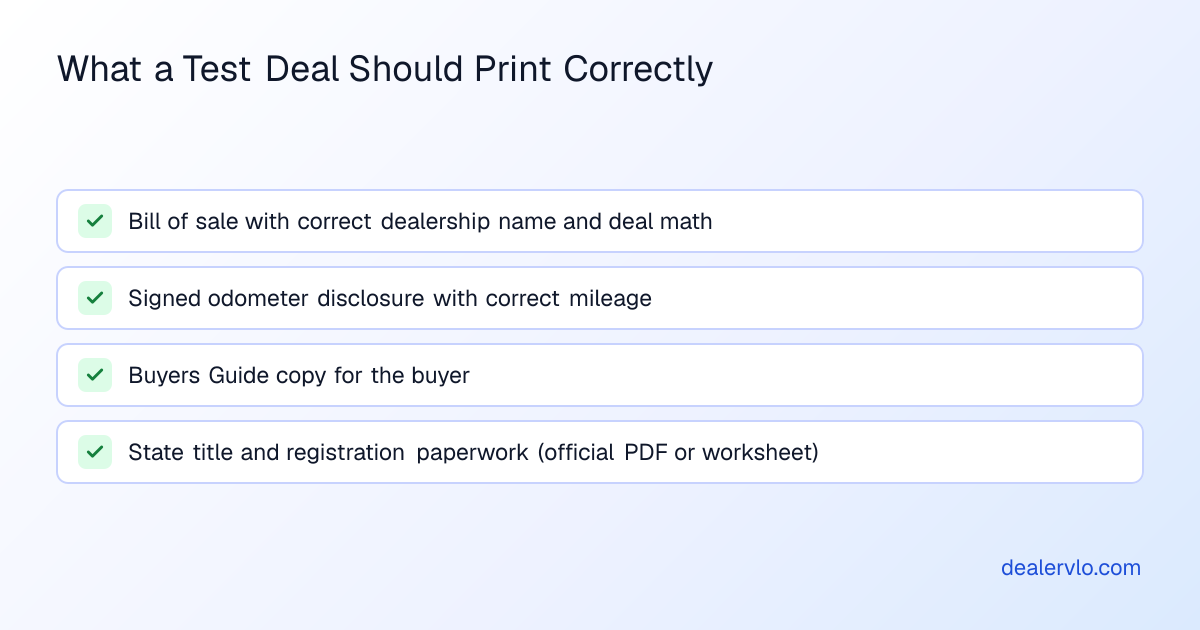
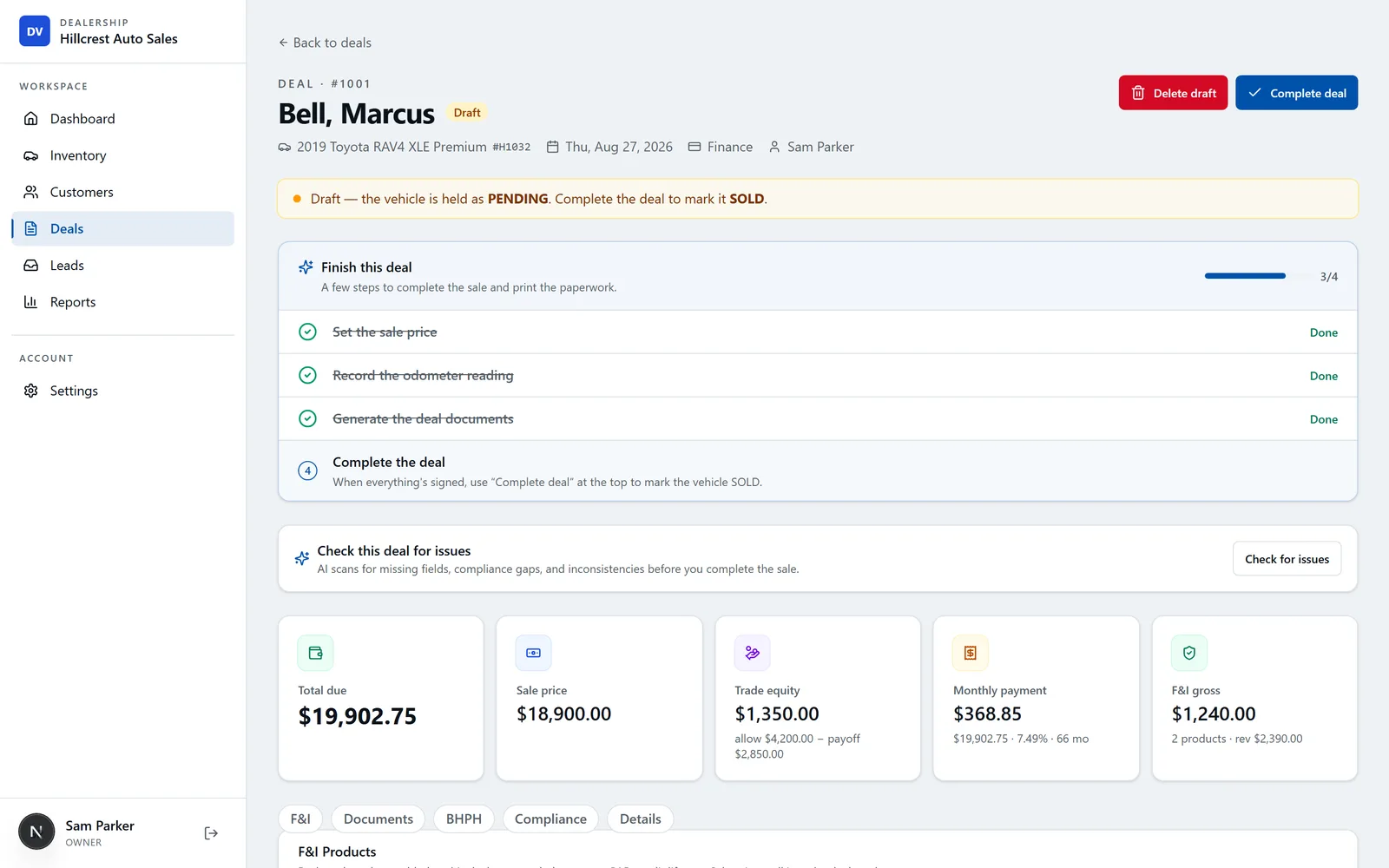
This is the step that's easiest to skip when you're excited to sell, and it's the one that saves you the most embarrassment. If I could only do one thing on this list, it's this one. Before you let a real buyer sit down at your desk, run a complete fake deal through the system end to end — pick one of your real cars, make up a buyer, run the numbers, and print everything the deal generates. You want to see, with your own eyes, before a real customer is watching:
- The bill of sale, with your dealership name and the deal math correct
- The odometer disclosure — federal law requires the seller to give the buyer a signed statement of the mileage reading at the time of transfer, with narrow exemptions you don't need to work out here — and confirm the mileage pulled through correctly
- The FTC Buyers Guide copy for the buyer (separate from the one hanging on the car)
- Your state's title and registration paperwork — DealerVLO fills the actual state PDF where that state supports it, and generates a print-ready worksheet of the deal's numbers in states that issue the form through a portal or on controlled paper, so check which version your state gets and have the right process ready either way
Catching a typo in your dealership address or a wrong tax setting on a practice deal costs you nothing. Catching it on the actual bill of sale with a real buyer waiting costs you a redo, an awkward conversation, and possibly a trip back to the DMV.
This is also the point to decide your warranty language — As-Is, implied warranties only, or a dealer warranty with its own coverage terms — since that choice changes what prints on the Buyers Guide.
Work backward from a customer's monthly payment to the highest vehicle price you can structure. Enter the trade allowance and the payoff separately and negative equity comes off the budget.
Open the Deal Structuring CalculatorStep 7: Turn on the website and listing feeds once a few cars have photos
Once you've got a handful of cars added with real photos — not placeholders — turn the dealer website on and opt into the listing feeds under Settings. A car you add posts to your own dealer website automatically. The listing sites get it with the next feed push, so it won't show up there the instant you save it. The feeds are included in the $29 plan; you still set up your account with each listing site, and whatever that site charges is between you and the site.
Don't flip this switch before you have real photos on at least a few cars. An empty or half-photographed website is worse for a brand-new lot's first impression than no website yet. If you're still deciding what software to build the whole lot around rather than just this launch checklist, the broader guide to used car dealer software and the roundup of DMS options for independent lots are worth reading before you commit.
14-day free trial, then $29/mo · Cancel anytime
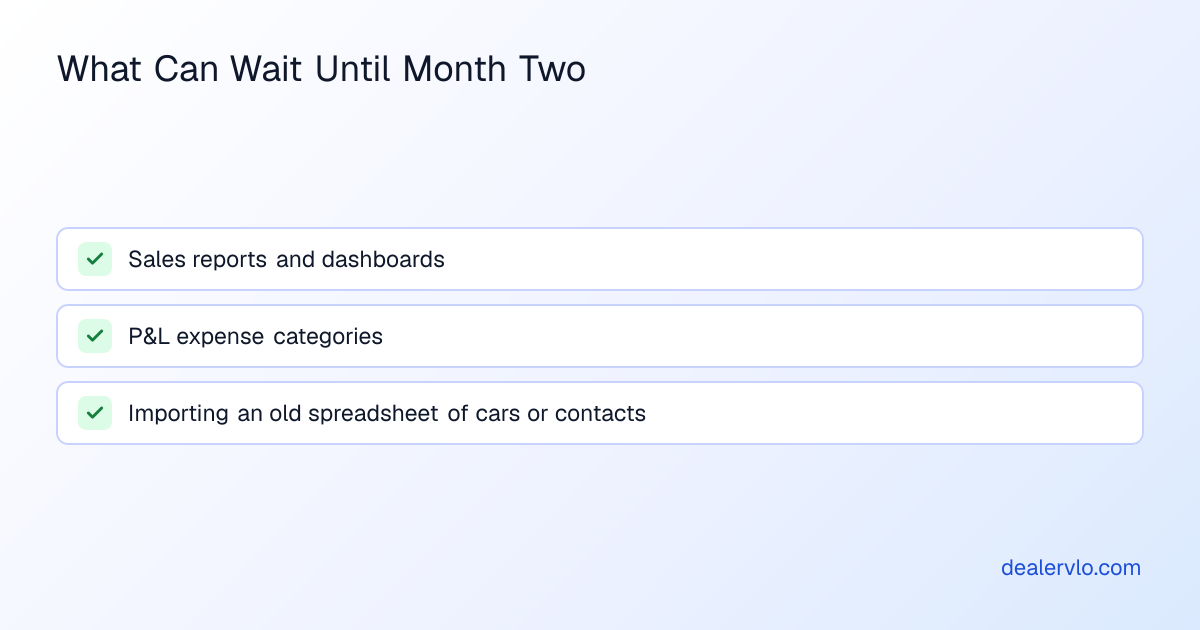
What can wait until month two
New-lot energy makes it tempting to set up every report and every category before you've sold a single car. Don't. These matter, but none of them block a correct first sale:
- Sales reports and dashboards — useful once you have deals to compare, not before deal one
- P&L expense categories — rent, payroll, floor plan, advertising — set these up once you've got a few weeks of real overhead to categorize, not from a guess on day one
- Importing an old spreadsheet of cars or contacts from a prior system or a manual tracking sheet — this is cleanup, and it's fine to do it after your first few sales are already done correctly
Once the first sale is behind you, the getting-started guide walks through the rest of the setup at your own pace.
Frequently asked questions
What's the very first thing I should set up in dealer software before my first sale?
Your dealership's name and address, set up exactly as they appear on your official dealer paperwork. That identity carries through to the documents you print afterward, so it has to be right before anything else.
Do I need a Buyers Guide on every car, or just the one I expect to sell first?
Every used car you offer for sale needs one, not just your best seller. The FTC's Used Car Rule sets the requirement; check the FTC's own Used Car Rule pages for the details. In DealerVLO it prints from each vehicle's page without a deal, so hanging one on every car takes a few minutes.
Should I run a test deal before my first real customer?
Yes — it's the cheapest mistake you'll ever make. Running one full fake deal and printing every document lets you catch a wrong tax setting, a typo in your dealership name, or a missing cost field before a real buyer is sitting across the desk watching you fix it.
What doc fee should I charge, and does my software set that for me?
Your software lets you set a default doc fee once so it pre-fills every deal, but the amount itself — and whether your state caps it — is a decision you make based on your state's own rules, not something the software decides. Confirm the current rule with your state's dealer licensing authority before you lock in a number.
Can I skip setting up reports and P&L categories before my first sale?
Yes. Sales reports, a salesperson leaderboard, and P&L expense categories are useful once you have deals and overhead to analyze, but none of them affect whether your first sale's paperwork is correct. Set them up in month two.
When should I turn on my dealer website and listing feeds?
Once you have a handful of cars added with real photos, not before. Turning the site on with empty or placeholder listings makes a worse first impression than waiting a few days until your inventory actually looks like a lot.
Bottom line
A brand-new lot's first sale doesn't need every feature turned on — it needs a handful of things right: your dealership identity, your doc fee setting, your tax setup, a few cars entered with real cost, a Buyers Guide on each one, a full test deal printed end to end, and a website that only goes live once it has real photos behind it. Everything else — reports, P&L categories, importing an old spreadsheet — is month two's job, not this week's. Run through this list once before your first buyer walks in, and DealerVLO will have the paperwork for that sale, and every one after it, printing correctly from the deal itself.
14-day free trial, then $29/mo · Cancel anytime