Start a sale
A deal ties a car to a buyer and does the money math for you — sales tax, fees, and the monthly payment update live as you type. Cash or finance, it's the same simple flow. Here's each step, with the exact field to fill.
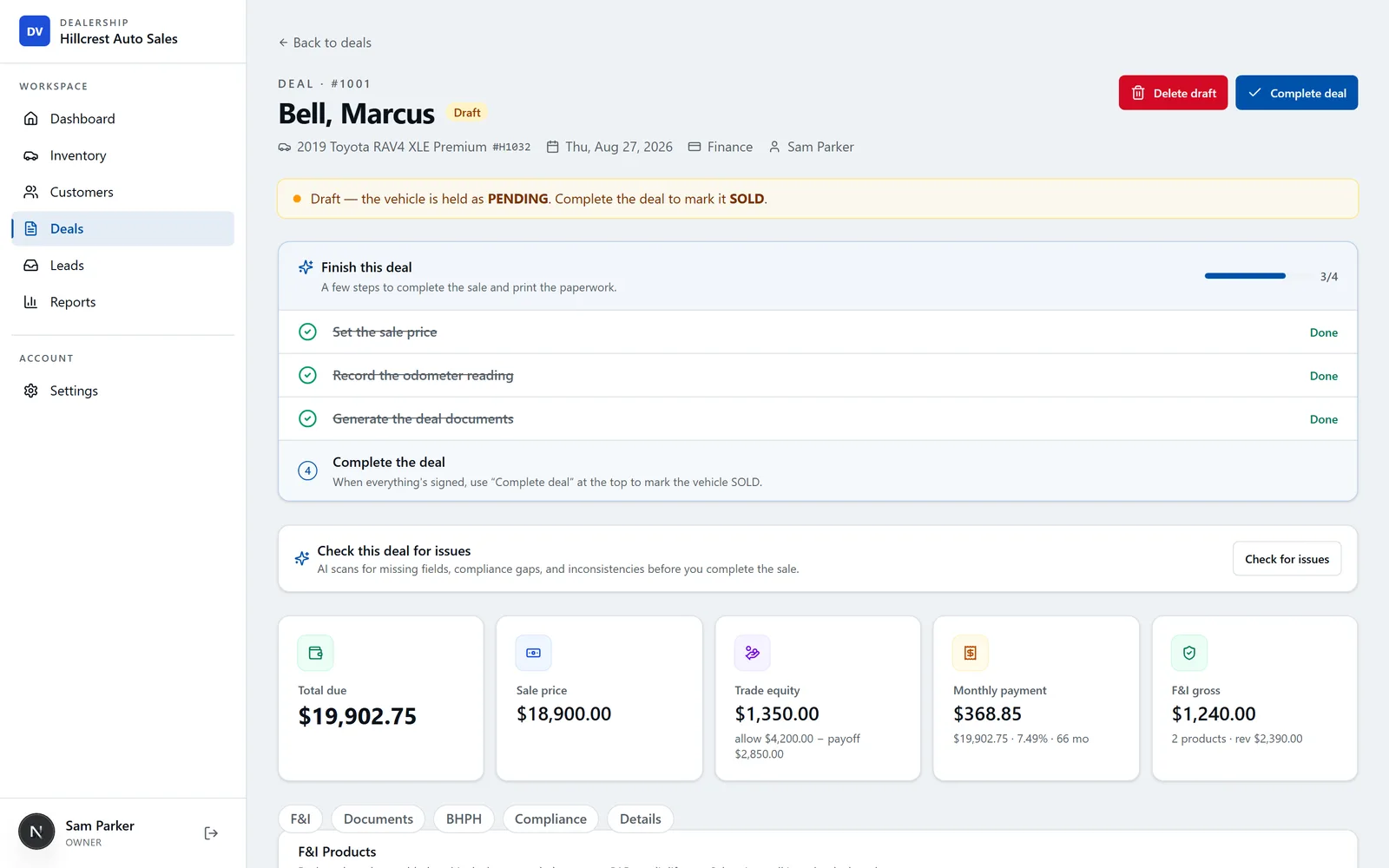
Start a new deal and pick the buyer
From Deals, click New deal. In the Buyer dropdown, choose an existing customer — or click New right next to it to add a buyer on the spot without leaving the deal. Add a co-buyer the same way if the sale has one.
Choose the vehicle
In the Vehicle dropdown, select the car you're selling. Everything you already entered on that vehicle — VIN, year, make, model, price — carries into the deal automatically, so there's nothing to re-type.

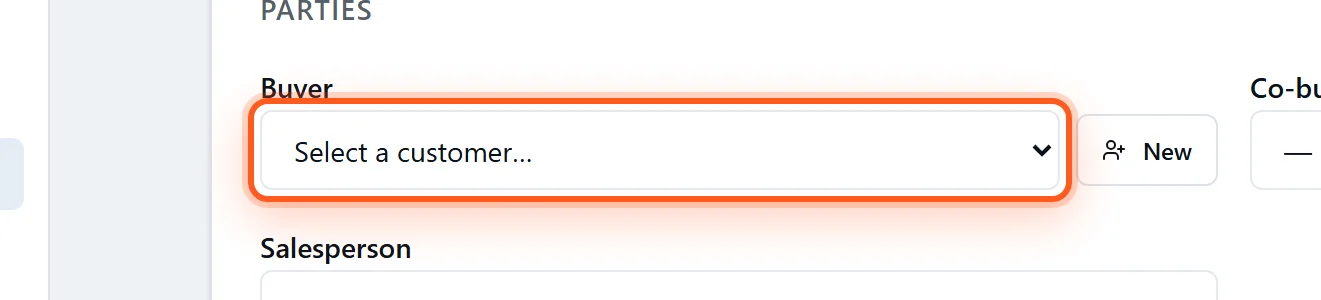
Choose cash or finance
Set the Deal type. Cash keeps it simple; Finance (or buy-here-pay-here) reveals the fields for the down payment, term, and APR, and DealerVLO computes the amount financed and the monthly payment for you.
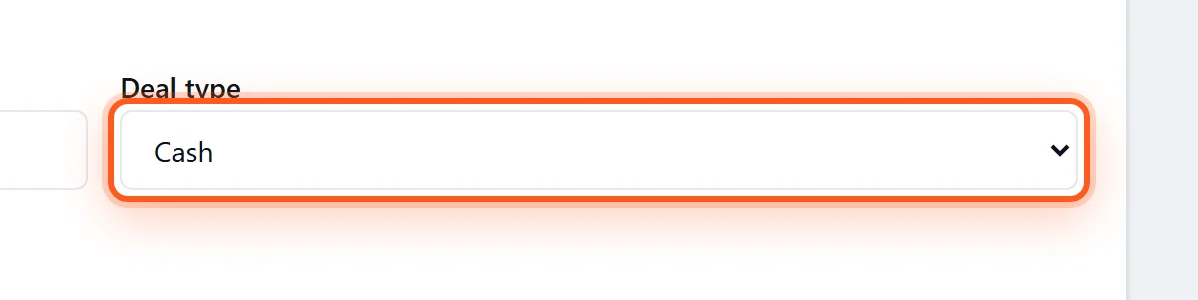
Enter the price — the math is automatic
Type the sale price and any fees (doc, title, registration). Your default tax rate and doc fee are pre-filled from Settings, and they're editable per deal. As you type, the sales tax and totals recalculate instantly — no calculator, no spreadsheet.
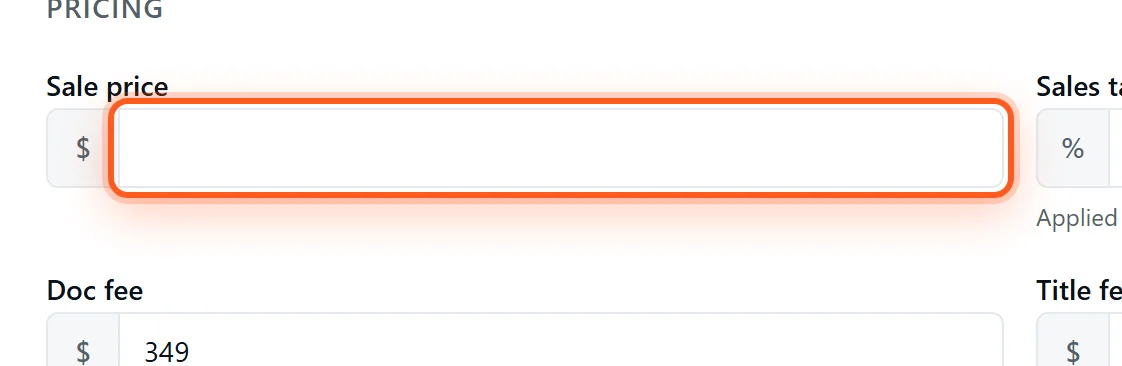
Watch the totals compute live
At the top of the deal you'll see the numbers that matter — total due, sale price, trade equity, monthly payment, and F&I gross — all computed from what you entered and updated the moment anything changes. Save the deal; it stays editable until you complete it.

Frequently asked questions
How do I start a sale in DealerVLO?+
Go to Deals, click New deal, pick the vehicle, and add the buyer. Choose cash or finance and enter the price and fees — DealerVLO calculates the sales tax, amount financed, and monthly payment for you as you type. Save when you're done.
Does DealerVLO handle both cash and finance deals?+
Yes. Pick cash or finance on the deal. For finance deals it computes the amount financed and the monthly payment from the price, down payment, term, and rate; for cash deals it totals the price, tax, and fees. Buy-here-pay-here deals are supported too.
Do I have to calculate sales tax myself?+
No. Your default tax rate is pre-filled from Settings and applied automatically to the sale price (less trade allowance), and it's editable per deal. The tax and every total recalculate live as you change the numbers.
Can I edit or undo a deal after saving?+
Yes. A deal stays editable until you complete it, and you can void a deal you don't want — a voided deal is excluded from your totals, so test deals are safe to create while you're learning.