Create the documents
This is the part that saves the most time. From inside a deal, DealerVLO fills the real paperwork straight from what you already entered — no retyping — and you can print it or send it for signature in a couple of clicks. Here's how, step by step.
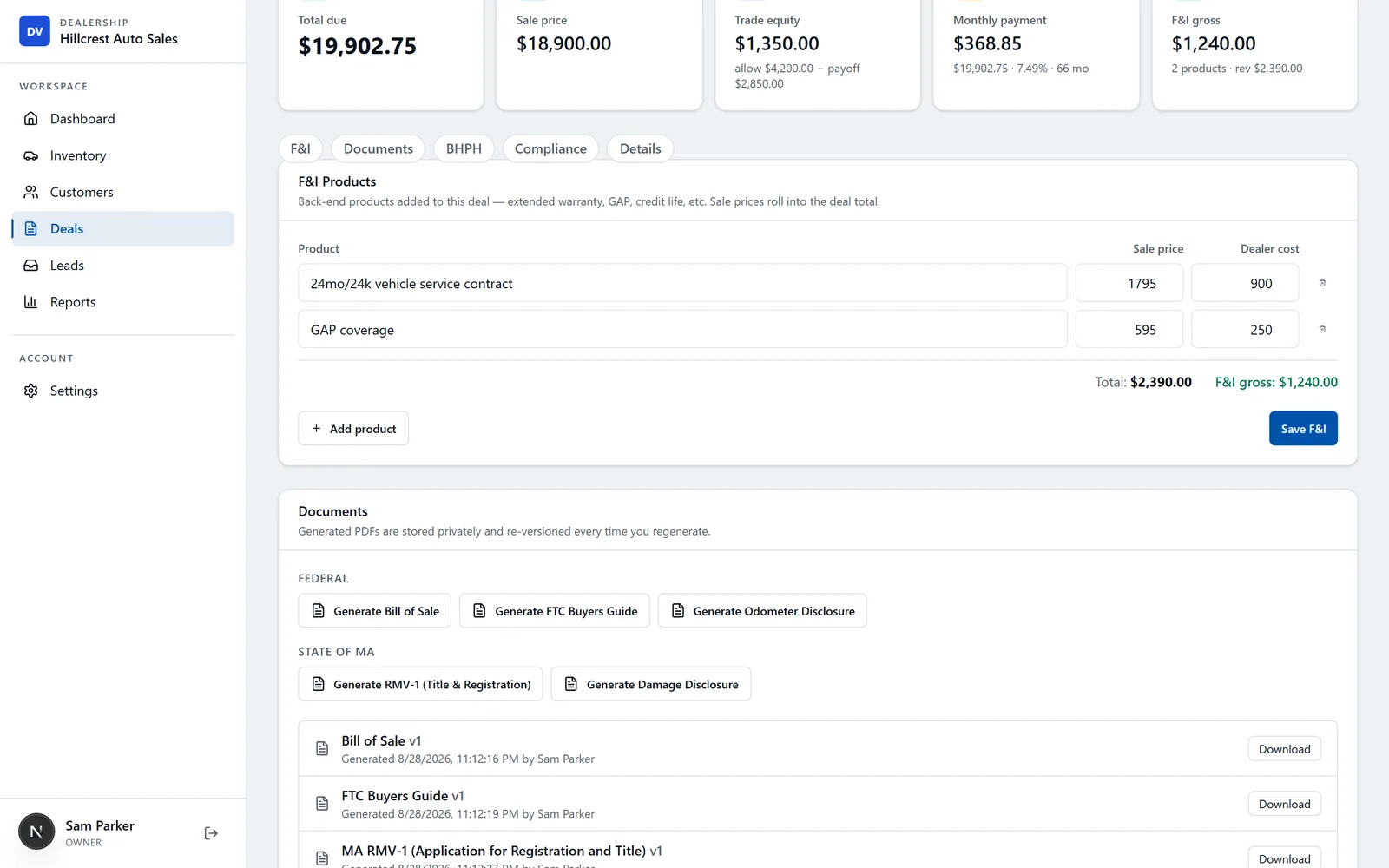
Open the deal's Documents section
On the deal, open the Documents tab. You'll see a checklist of everything this sale needs, grouped into Federal (Bill of Sale, FTC Buyers Guide, odometer disclosure) and your State's title & registration forms — each marked Ready or Needed so nothing gets missed.
Generate each document
Click Generate next to a document and DealerVLO fills it from the deal in a couple of seconds — buyer, vehicle, price, taxes, everything. Already generated? The button reads Regenerate, and it makes a fresh version after you change the deal.

Download or reprint any version
Every document you generate is saved with a version and a timestamp. Click Download to open the filled PDF to print or save. Change something on the deal and regenerate, and the older version is still kept for your records.

Send it for e-signature
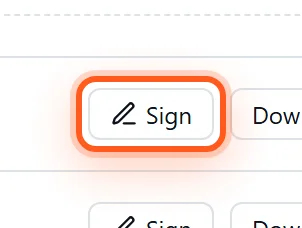
Click Sign to collect signatures — in person on a tablet, or by emailing the buyer and co-buyer a secure link. There's a full signing audit trail (ESIGN/UETA) and no per-signature fee, so signing is included at the flat price.
Upload your own forms too
Need a form DealerVLO doesn't ship — a lender's contract, a county worksheet, an in-house We-Owe or power of attorney? Upload any fillable PDF under Settings → Your forms and DealerVLO auto-detects the fields and suggests a mapping, so it fills from the deal like the built-in documents.
Frequently asked questions
How do I create a bill of sale and title paperwork in DealerVLO?+
Open a deal, go to the Documents section, and click Generate on any document — Bill of Sale, FTC Buyers Guide, odometer disclosure, or your state's official title and registration application. Each downloads filled directly from the deal, no retyping, and every version is saved.
Does DealerVLO fill out my state's title form?+
Yes. DealerVLO fills the real, official DMV title and registration application for the large majority of states, populated from the deal. For the few states that don't publish a fillable form, you get a clean, print-ready worksheet with the same information.
Can buyers sign electronically?+
Yes. Click Sign on any document to collect signatures in person on a tablet or by emailing the buyer and co-buyer a link, with an ESIGN/UETA audit trail and no per-signature fee.
Can I upload my own forms?+
Yes. Under Settings → Your forms you can upload any fillable PDF — a lender's contract, a county worksheet, an in-house We-Owe or power of attorney. DealerVLO auto-detects the fields and suggests a mapping so the form fills from the deal like the built-in documents.