The MA RMV-1 form, explained — what you fill in, what we fill for you
A field-by-field walkthrough of the Massachusetts RMV-1 title application, and how DealerVLO populates it from your deal.
Inventory, the deal jacket, and every federal + state form filled from one deal — plus your own dealer website. $29/month, free to try — cancel any time.
If you sell cars in Massachusetts, the RMV-1 is the form that gets you paid. The buyer can't title the car, can't register it, and (legally) can't drive it home without one. The form's been mostly the same since the 90s, and most dealers fill it out by hand or with a software that types over a scanned image.
DealerVLO loads the actual fillable PDF Massachusetts publishes (TTLREG100_0923) and fills the AcroForm fields from your deal data. Here's what gets filled, and what you still need to handle.
New to the form? Start with the complete field-by-field RMV-1 walkthrough — every section, who signs what, and the mistakes that get a title bounced. This post is about what DealerVLO fills for you automatically.
Section A — Owner application
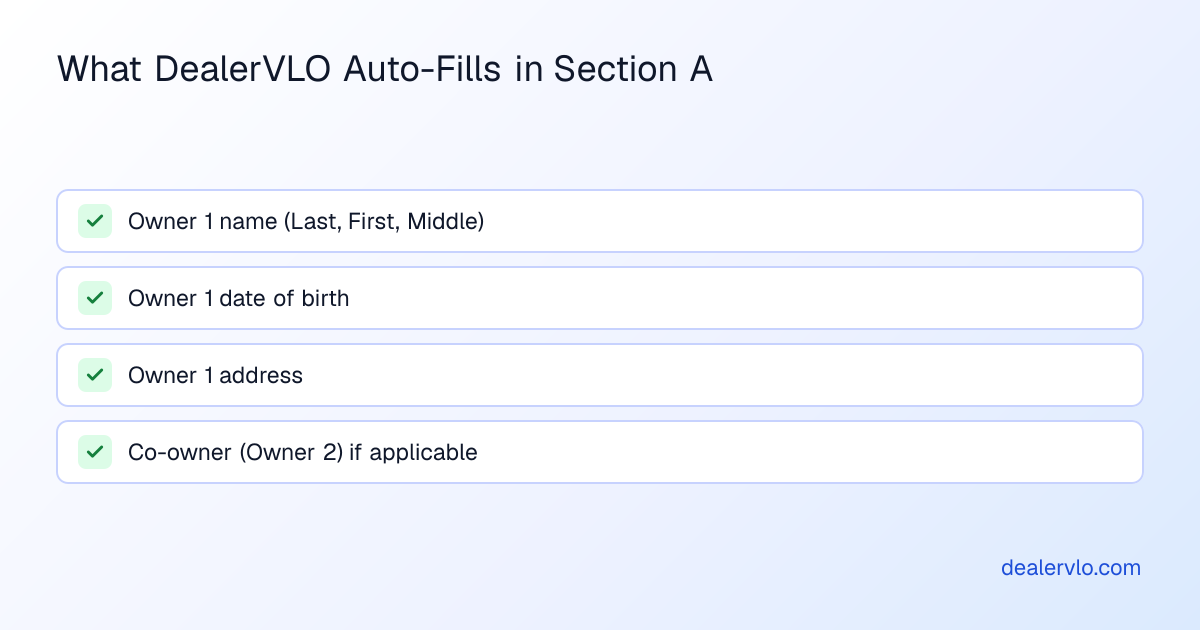
| RMV-1 field | We fill from | |---|---| | Owner 1 name (Last, First, Middle) | Customer record | | Owner 1 DOB | Customer record | | Owner 1 address | Customer record | | Co-owner (Owner 2) | Co-buyer on the deal, if any |
What you still type yourself: SSN, gender, plate type, plate number. Those aren't on the deal jacket — they're collected at the RMV counter or on a separate intake form.
Section B — Vehicle
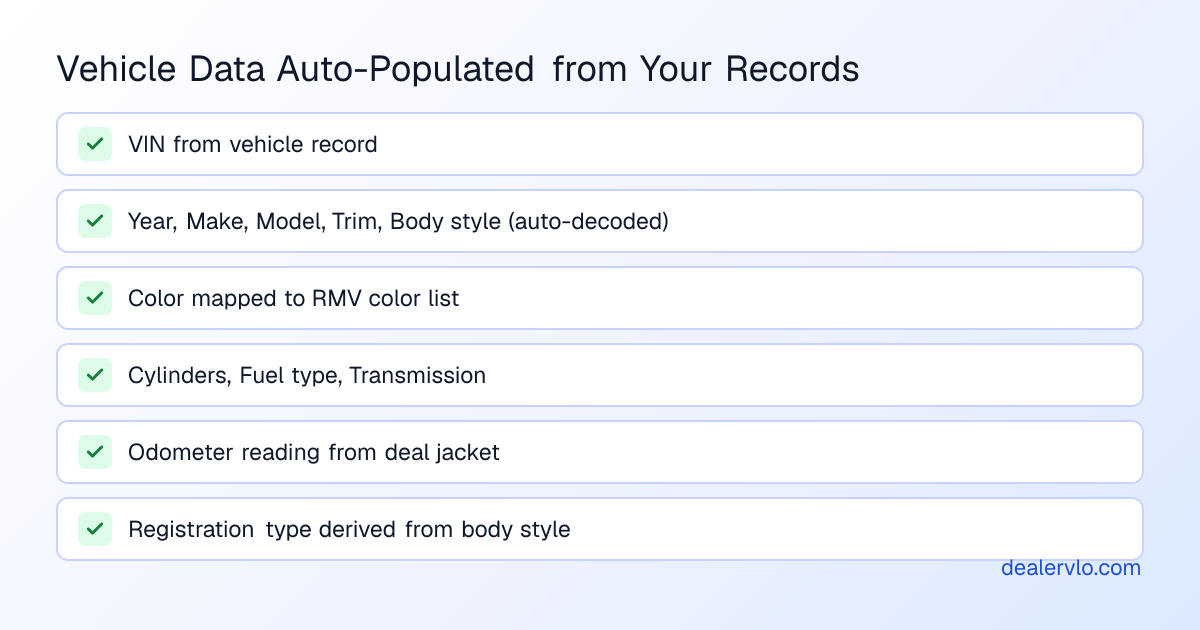
| RMV-1 field | We fill from | |---|---| | VIN | Vehicle record | | Year, Make, Model, Trim, Body style | Vehicle record (auto-decoded from VIN) | | Color | Vehicle record (mapped to RMV's color list) | | Cylinders, Fuel type, Transmission | Vehicle record | | Odometer reading | Deal jacket | | Registration type | Derived from body style — passenger / truck / commercial / motorcycle |
Section C — Title information
| RMV-1 field | We fill from | |---|---| | Previous title number | Vehicle record (title number) | | Previous title state | Vehicle record (title state) | | Vehicle condition | Used (always, for dealer-sold cars) | | Title type | Clear (default — change manually for salvage/rebuilt) |
Section D — Lien information
If you sold the car for cash, this section stays blank. If it's a finance deal, you fill in the lienholder name and address — DealerVLO carries the lienholder from the deal's finance section.
Section E — Dealer
| RMV-1 field | We fill from | |---|---| | Dealer name | Settings → Dealership profile | | Dealer license number | Settings → Dealership profile | | Sale date | Deal jacket | | Sale price | Deal jacket |
The MA RMV-1 has separate checkboxes for "Trade-in" and "Trade-in allowance amount" — DealerVLO checks the trade-in box and writes the allowance from the deal automatically when you have a trade-in on the jacket.
Section F — Salvage / rebuilt / total loss
Almost always blank for a normal used-car sale. Check the boxes manually if the title is branded.
Section G — Signatures
The form needs the buyer's wet signature in person, plus yours as the dealer. We don't pre-sign — that's on you both at the desk.
How long it takes
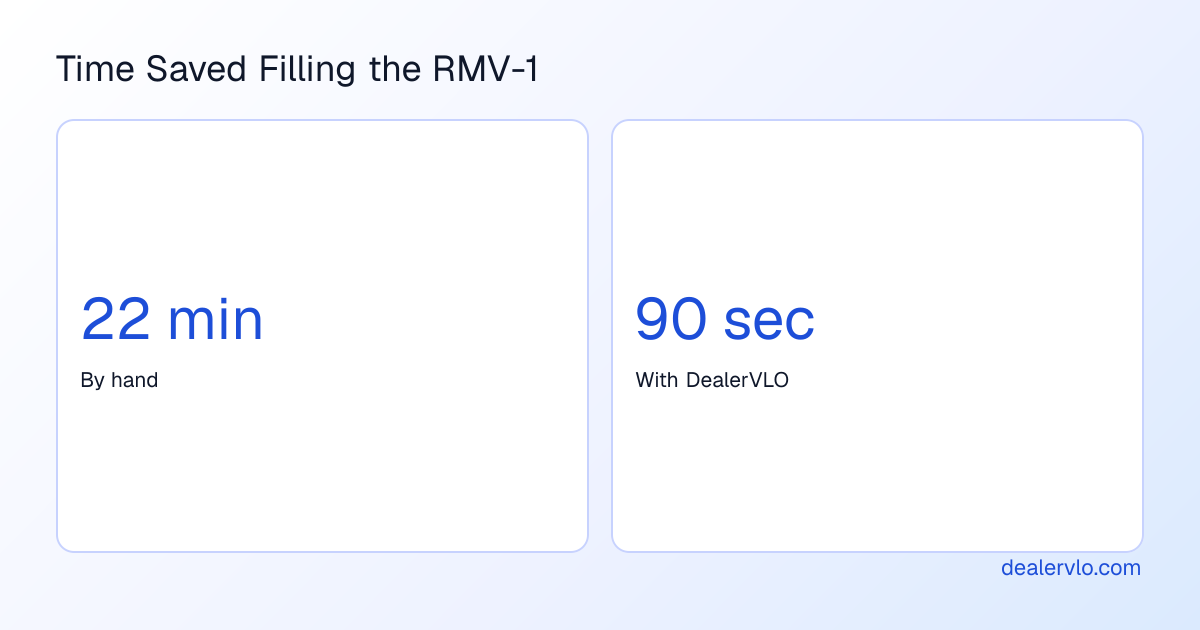
I timed myself the last time I did one by hand: 22 minutes for a clean cash deal with one buyer. In DealerVLO, the same form prints in about 90 seconds — most of which is double-checking the SSN field that I still have to type.
14-day free trial, then $29/mo · Cancel anytime
A few warnings
- The RMV-1 is the official state form. DealerVLO populates the official fillable PDF — we don't generate a lookalike. That matters for audit.
- We don't submit it for you. You print, sign, attach the title + check, and take it to the RMV (or your title runner) the way you always have.
- If a field looks wrong on the printed form, fix it on the deal jacket and re-generate. Every document is versioned, so the corrected one supersedes the previous version cleanly.
If you're a Massachusetts dealer and the RMV-1 is the thing slowing you down most, you're the dealer I built this for.