Switching from Lot Wizard: what changes, what doesn't, and how to make the move in an afternoon
A practical guide for used-car dealers moving from Lot Wizard to DealerVLO. What to expect, what to bring with you, and what stays the same.
Part of the Choosing dealer software guide: The best DMS for independent used-car dealers in 2026 — an honest list from a dealer
Switching from another DMS? Compare DealerVLO to DealerCenter, Frazer, or Lot Wizard.
If you've been on Lot Wizard for years, the thought of switching is the thing that keeps you on Lot Wizard. New software means re-typing every customer, re-shooting every vehicle photo, and explaining to your title clerk why the form they've been printing for ten years looks slightly different now.
14-day free trial, then $29/mo · Cancel anytime
What stays the same
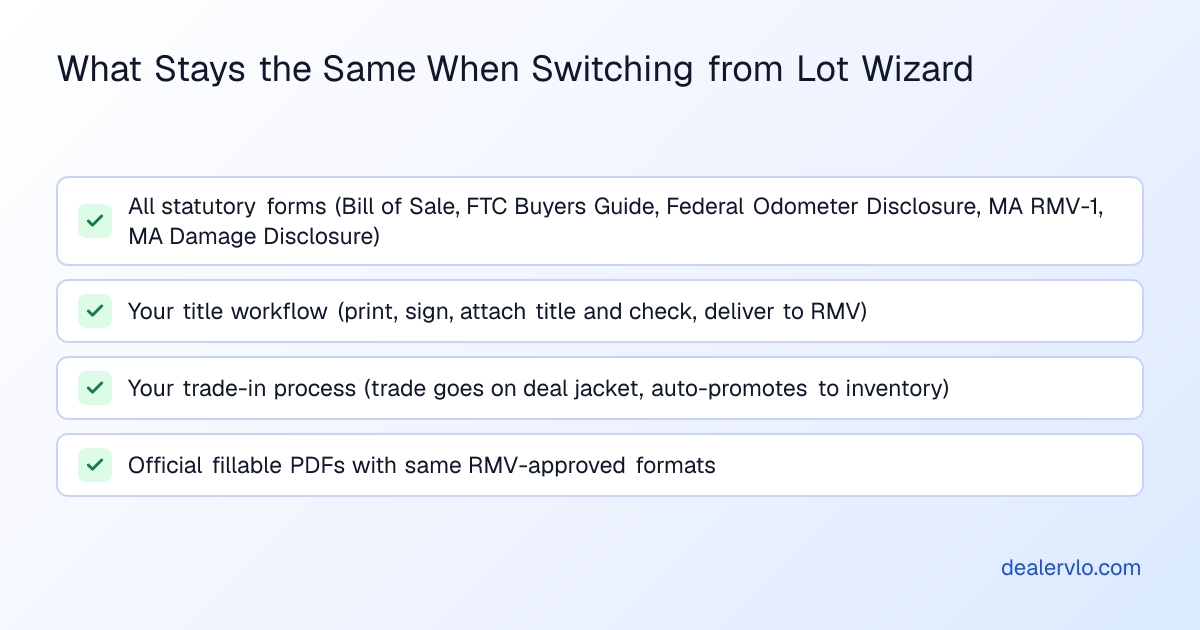
- The forms. Bill of Sale, FTC Buyers Guide, Federal Odometer Disclosure, MA RMV-1, MA Damage Disclosure. DealerVLO fills the official RMV-1 PDF for the title application, and it generates the Bill of Sale, Buyers Guide, odometer statement, and damage disclosure from the deal data.
- Your title workflow. You still print, sign, attach the title and check, and take the packet to the RMV or your title runner the way you always have.
- Your trade-in process. The trade goes on the deal jacket, and DealerVLO calculates the trade equity as you enter the allowance and payoff.
What changes (for the better)
- Nothing to install. DealerVLO runs in a web browser, so a laptop, tablet, or phone can pull up a deal.
- Forms download as PDFs. They print on any printer that can print a PDF.
- No more re-typing the customer onto the Buyers Guide. Every form fills from the deal data automatically.
- Photos live on the car. Drag and drop from your phone. They're resized, thumbnailed, and live on your dealer website by the time you walk back to the office.
- Your dealer website is included. Inventory posts to it automatically. No separate plugin, no separate vendor.
What changes (that you'll need to adjust to)
- It needs an internet connection. DealerVLO runs in the browser — handy when you want to pull up a deal from your phone at the auction — but if your internet is out, so is your DMS.
- A different screen layout. Menus and buttons sit in different places than you're used to, so expect your first few deals to take longer.
- Some forms look different. The RMV-1 is the official state PDF, but the Bill of Sale, Buyers Guide, odometer statement, and damage disclosure are DealerVLO's own layouts filled from the deal. If your title clerk has the old layouts memorized, print one of each to flip through before the first real deal.
The move, step by step
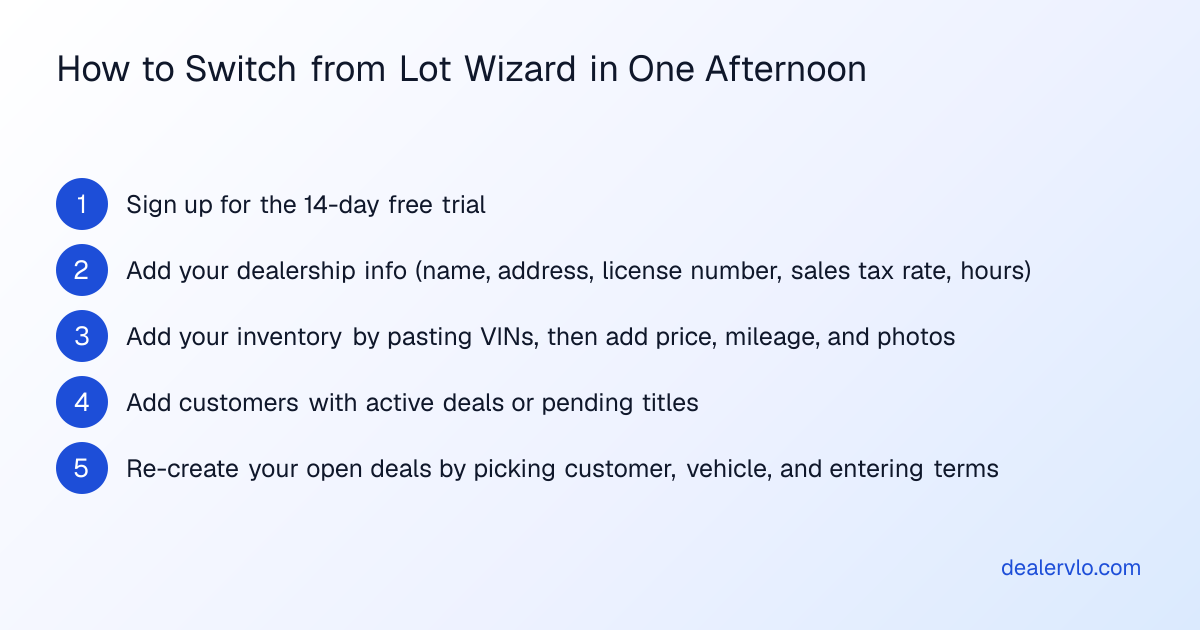
Estimated time: an afternoon for a small lot. Photos and open deals take the longest.
- Sign up. Start the 14-day free trial. Cancel any time before it renews.
- Add your dealership info. Name, address, license number, sales tax rate, hours.
- Add your inventory. Import a CSV (see below), or paste a VIN and the form fills itself from NHTSA — year, make, model, engine, transmission, fuel type. You add price, mileage, and photos.
- Add the customers you have open deals with. You don't need to backfill every customer who ever bought from you — just the ones with active deals or pending titles.
- Re-create your open deals. Pick the customer, pick the vehicle, enter the terms.
- Set up your website. Under Settings → Dealership & website, check "Publish a public website for this dealership." Add a logo, hero image, and your hours. Point your custom domain if you have one.
- Run your next sale through DealerVLO. Generate the forms, print, sign, file. Done.
What about my old data?
You can keep Lot Wizard running for as long as you want. It's where your historical deals and old customer records live. DealerVLO doesn't care.
For dealers who want a clean break, DealerVLO imports inventory and customers from a CSV — export them from Lot Wizard and upload the files under Settings → Import inventory (the page takes customers too). Common column names are recognized automatically and duplicates are skipped. Past deals don't import, so keep Lot Wizard (or an export of it) for those records. If your export doesn't map cleanly, drop me a note at support@dealervlo.com.
14-day free trial, then $29/mo · Cancel anytime
The numbers
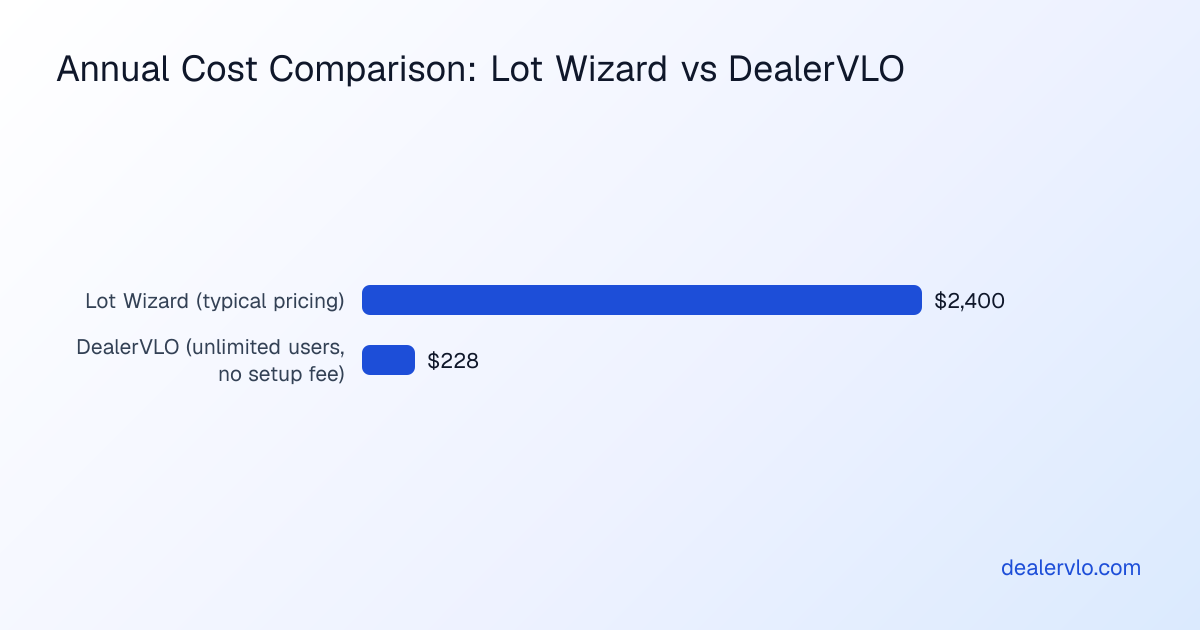
- Lot Wizard list pricing: Pro DMS $99–$299/month depending on users, or $209–$409/month with a website and advertising feeds (Lot Wizard's pricing page as of September 24, 2026 — see Lot Wizard pricing explained).
- DealerVLO: $29 a month — $348 for the whole year. Unlimited users. No setup fee. No contract.
I'm not trying to be the cheapest DMS in the world — I'm trying to be the one that takes the least friction to actually run.
Try it on your next deal. The first 14 days are free.
14-day free trial, then $29/mo · Cancel anytime
Paste a VIN, the buyer, and the price — see the title & registration form filled in for 50 states, free, no signup.
Open the State Form Auto-Fill