# How to Manage Your Clients as an Auto Broker (and What a Broker CRM Needs)
> How to manage clients as an auto broker: a simple client system, what an auto broker CRM needs, and what DealerVLO covers for brokers (and what it doesn't).
- Source: https://www.dealervlo.com/blog/auto-broker-crm-manage-clients
- Published: 2026-10-23
- Updated: 2026-10-23
- Author: Chris Abouraad
- Tags: auto broker, crm, customers, software
---
Managing clients as an auto broker gets messy faster than you expect. Five clients is easy. Fifteen means one wants a third-row SUV by the end of the month, one is waiting on a trade number, one went quiet after you sent three cars, and the details are spread across texts, a notes app, and your memory. The cost isn't the mess itself. It's the referral you didn't ask for and the client who bought somewhere else while you were looking for their notes.
This post lays out a simple client system any broker can run, what an auto broker CRM actually needs to do, and an honest look at where DealerVLO, the system I built for my own used-car lot, fits a broker and where it doesn't.
Put every client, their notes, and their deals in one place: try DealerVLO free for 14 days
## A simple client system for an auto broker
Before any software, the system. It works in a spreadsheet, and it works better in a CRM.
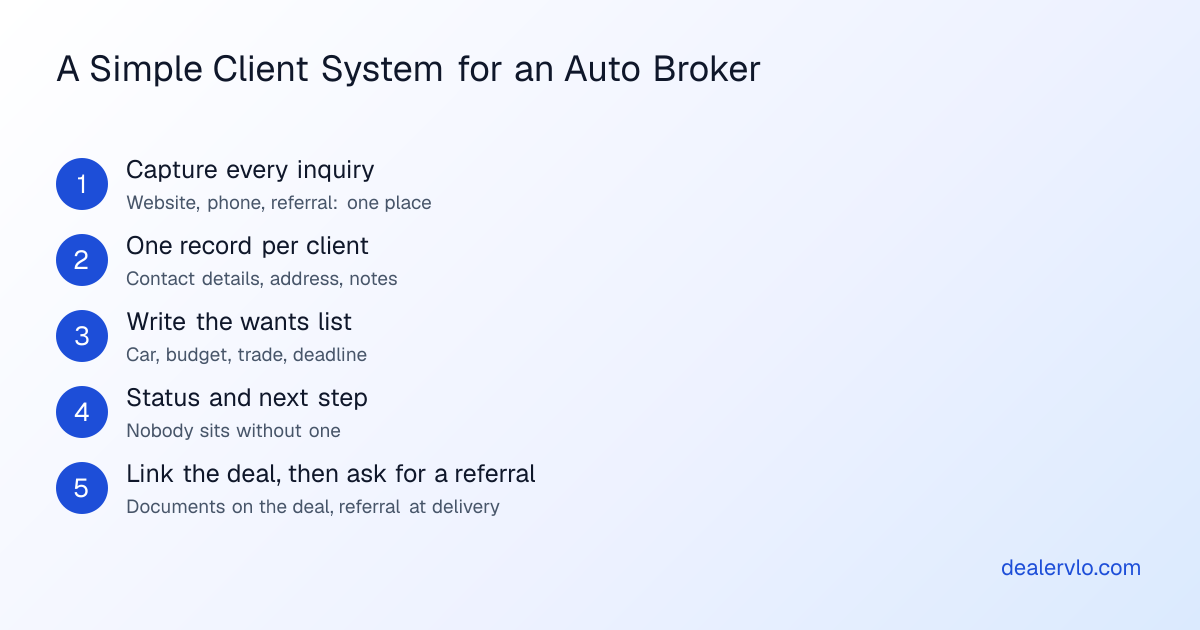
**Capture every inquiry in one place.** Website forms, phone calls, referrals from past clients. If a lead lives only in your text messages, it doesn't exist for the rest of your system.
**One record per client.** Name, phone, email, address, and notes. Not a record per car, not a record per conversation: one per person, so their history builds up.
**Write the wants list down.** The car, the budget as an out-the-door number, the trade-in, how they'll pay, and the date they need it. Write it in their words so you can read it back to them when you call with a car.
**Every open client has a status and a next step.** New, contacted, actively sourcing, waiting on the client, closed, or lost. A client with no next step is a client you've stopped working without deciding to.
**Link the deal and documents to the client, then ask for a referral.** When a deal closes, the paperwork belongs with the client. At delivery, when they're happiest, ask who else they know who's shopping.
## What an auto broker CRM needs to do
Most CRMs are built for car dealerships with a sales floor and a BDC. A broker needs less, but the few things it needs matter a lot:
- **Client records with free-form notes**, searchable by name or phone.
- **A wants list per client** that you can see at a glance.
- **Lead capture from your website**, so an inquiry lands in the system on its own.
- **A status per client**, so you can see who's waiting on you.
- **Follow-up reminders**, so nobody falls through the cracks.
- **Deal documents and signatures** tied to the client.
- **An export**, so the client list is yours if you ever switch.
If you're comparing systems, our [CRM guide for independent dealers](/blog/best-crm-independent-used-car-dealers) covers what dealer CRMs do; most of it applies to brokers who hold a dealer license.
## Where DealerVLO fits for an auto broker
DealerVLO is a dealer management system for independent used-car dealers, and it fits brokers best when they broker under a dealer license. Here's what it covers, then what it doesn't:
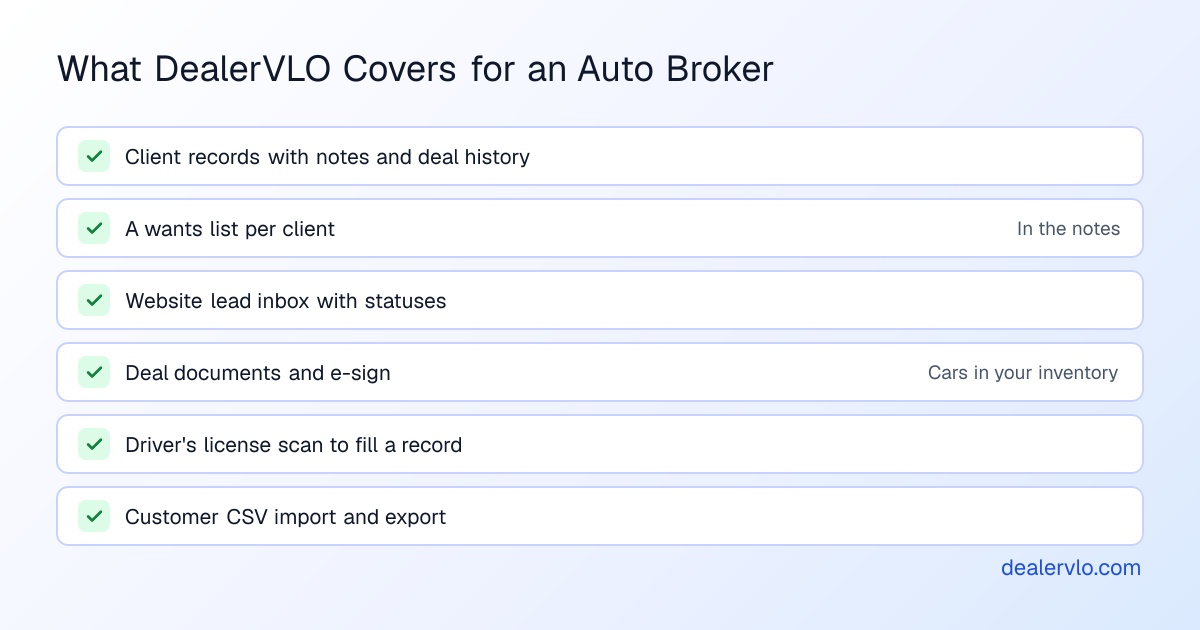
**What it does.** Every customer gets a record with contact details, address, and a notes field, and the record shows every deal they've been on, how many, and what they've spent. You can search customers by name or phone, and scan the barcode on the back of a driver's license from a phone or computer camera to fill in the name, date of birth, address, and license number instead of typing them. Bringing a client list over from a spreadsheet or another system? The customer CSV import reads common column names automatically.
The included dealer website sends its contact, vehicle inquiry, and financing forms into a lead inbox. Each lead has a status (New, Contacted, Qualified, Converted, or Lost) and your internal notes, you can reply by email, and a "Convert to deal" button turns a lead into a customer record and opens a new deal for them. When a lead comes in, DealerVLO emails your dealership address, and if the shopper gave an email, they get an automatic confirmation.
**What it doesn't do.** I'd rather you know now than find out in week two:
- **No broker module.** No autobroker's log, no trust-account tracking, no tracking of fees you're owed from other dealers.
- **No follow-up reminders or task list**, and no texting or calling from the app. Put next steps in your calendar.
- **No manual lead entry.** Phone and referral prospects go in as customers, not leads.
- **No wants-list field.** Use the customer's notes field for it.
- **Deals need a car in your inventory.** A DealerVLO deal is written on a car you've added to inventory, so the paperwork side fits deals where the car passes through your dealer license. If you never own the car, use DealerVLO for the client book, not the deal.
If most of your work is lease brokering and you never hold title, there are CRMs built specifically for lease and auto brokers that may fit that shape better. Look at them too.
Brokering under a dealer license? Try DealerVLO's customer records, lead inbox, and deal paperwork free for 14 days
## When the deal happens: paperwork tied to the client
For deals where the car passes through your inventory, the paperwork is where a DMS earns its keep. From the customer's record you can start a deal directly. The deal jacket computes totals, trade equity, and payment live, fills the FTC Buyers Guide and your state's title and registration paperwork, and sends each signer their own e-signature link, which helps when a client is buying remotely. Our posts on [e-signatures for car dealers](/blog/e-signatures-for-car-dealers) and [selling cars remotely](/blog/remote-car-sales-used-car-dealers) cover that flow.
Your own documents, like a client agreement or a fee disclosure, can be uploaded as fillable PDFs. DealerVLO maps the fields and fills them from the deal's buyer, co-buyer, vehicle, dealer, and deal details, so the client's name and the VIN match everywhere. Have a lawyer in your state review the agreement itself.
## The weekly client review
A system only works if you look at it. Once a week, block an hour and go through every open client:
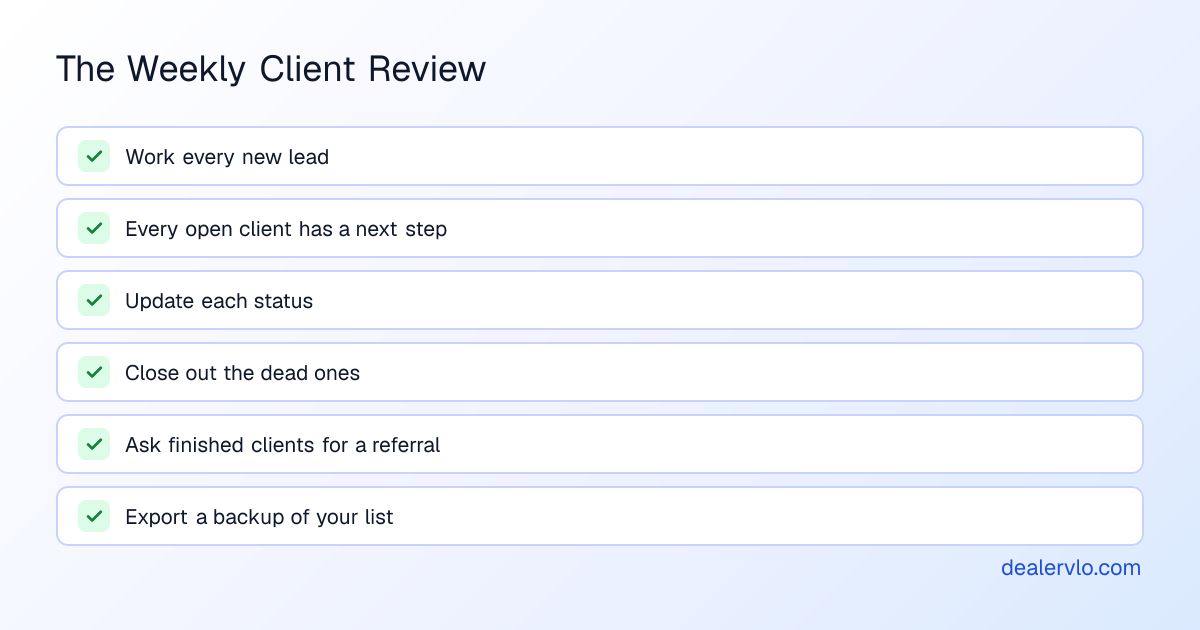
Closing out dead clients matters as much as working live ones. A list full of clients who stopped answering three months ago hides the five who are ready to buy. For a follow-up cadence that works on quiet clients, see [following up on dead leads](/blog/dead-leads-follow-up-used-car-dealers).
In DealerVLO, the dashboard's "Needs attention" list shows new leads awaiting contact, and the lead list filters by status, so the start of the review is one screen. The Customers page's Export button downloads your whole client list as a CSV whenever you want a backup, free.
If you're still setting up the business, start with [how to become an auto broker](/blog/how-to-become-an-auto-broker), and for the money side, [how auto brokers make money](/blog/how-auto-brokers-make-money).
Run your weekly client review from one screen, $29 a month flat with unlimited users: start your 14-day DealerVLO trial
## Frequently asked questions
### What is the best CRM for an auto broker?
The one that holds every client, their wants list, every deal, and the documents in one place, and that you'll actually open every day. If you broker under a dealer license and run deals through your own inventory, a dealer management system with customer records and deal paperwork covers most of it. If you only broker leases and never hold title, look at CRMs built specifically for lease and auto brokers too.
### How do auto brokers keep track of clients?
Every client gets one record with contact details, what they want, their budget and deadline, and notes from every conversation. Each client has a status and a next step, deals and documents link to the client, and you review the whole list once a week. The tool matters less than having one place instead of texts, notes apps, and memory.
### Can I use a dealer CRM as an auto broker?
Often, yes, especially if your state has you broker under a dealer license. A dealer CRM or DMS holds customer records and deal paperwork. The gaps to check are a wants list per client, follow-up reminders, and texting; many dealer systems, DealerVLO included, don't do all of those, so plan a workaround.
### Does DealerVLO work for auto brokers?
For brokers who hold a dealer license, it covers the client book (customer records with notes and deal history), a website with a lead inbox, and deal paperwork with e-signatures on cars that pass through your inventory. It has no broker module: no autobroker's log, trust-account tracking, follow-up reminders, or texting, and a deal is written on a car in your own inventory. It's $29 a month, flat, with a 14-day free trial.
## Bottom line
Managing clients as an auto broker comes down to one record per client, a written wants list, a status and next step for everyone open, documents tied to the deal, and a weekly review. Any tool that holds all of that in one place beats texts and memory.
If you broker under a dealer license, start a free DealerVLO trial and move your client list into it this week.
---
## FAQ
### What is the best CRM for an auto broker?
The one that holds every client, their wants list, every deal, and the documents in one place, and that you'll actually open every day. If you broker under a dealer license and run deals through your own inventory, a dealer management system with customer records and deal paperwork covers most of it. If you only broker leases and never hold title, look at CRMs built specifically for lease and auto brokers too.
### How do auto brokers keep track of clients?
Every client gets one record with contact details, what they want, their budget and deadline, and notes from every conversation. Each client has a status and a next step, deals and documents link to the client, and you review the whole list once a week. The tool matters less than having one place instead of texts, notes apps, and memory.
### Can I use a dealer CRM as an auto broker?
Often, yes, especially if your state has you broker under a dealer license. A dealer CRM or DMS holds customer records and deal paperwork. The gaps to check are a wants list per client, follow-up reminders, and texting; many dealer systems, DealerVLO included, don't do all of those, so plan a workaround.
### Does DealerVLO work for auto brokers?
For brokers who hold a dealer license, it covers the client book (customer records with notes and deal history), a website with a lead inbox, and deal paperwork with e-signatures on cars that pass through your inventory. It has no broker module: no autobroker's log, trust-account tracking, follow-up reminders, or texting, and a deal is written on a car in your own inventory. It's $29 a month, flat, with a 14-day free trial.